Maintenance VJ-1324X OPERATION MANUAL
218 6.2 Cleaning the printer
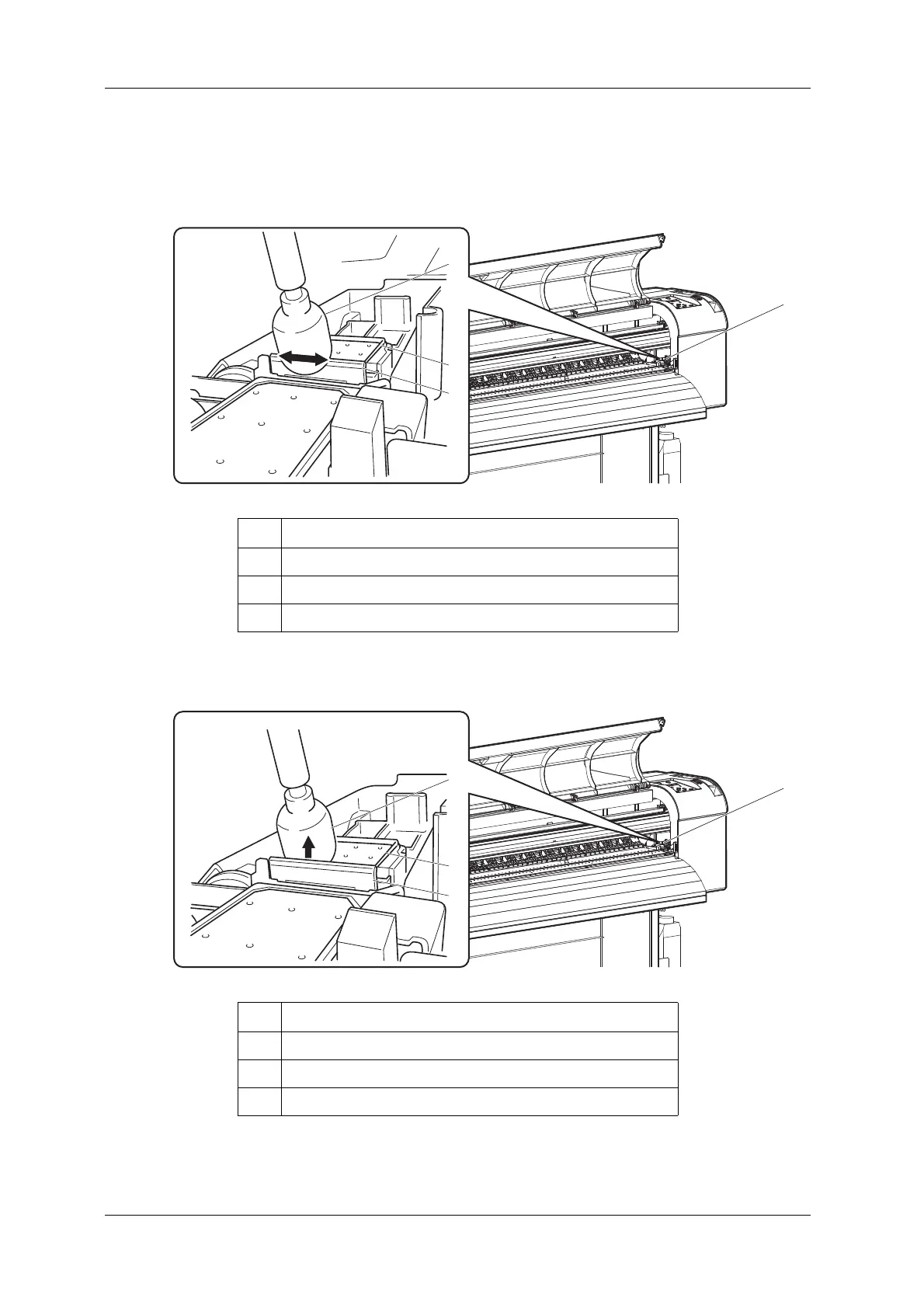
5. Use the cleaning stick to remove the ink and dust on the cleaning wiper.
a. Front side of the cleaning wiper:
Remove the ink and dust in the horizontal direction.
b. Cleaning wiper back side:
Remove the ink and dust in the upper direction.
No. Name
1 Cleaning wiper
2 Cleaning stick
3 Head cap unit
No. Name
1 Cleaning wiper
2 Cleaning stick
3 Head cap unit















 To Next Page