Before using VJ-1324X OPERATION MANUAL
86 3.6 Adjust Print
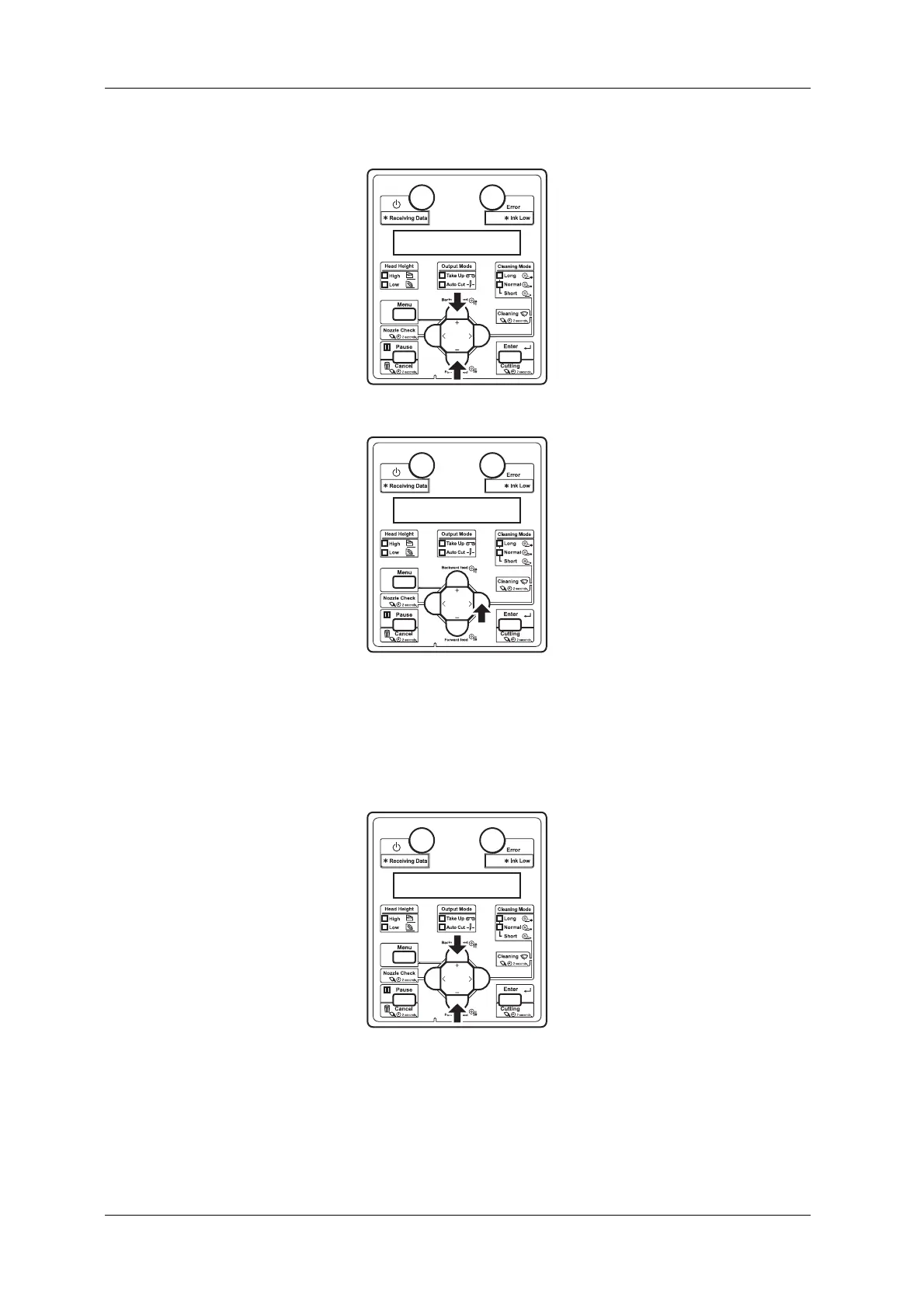
f. Press the [+] key or [-] key on Operation panel to select “XX>2: Adjust Print>”.
g. Press the [>] key on the operation panel.
• “Thickness 170 µm” is displayed on the operation panel. (The default is set to 170 µm. If the
default value has been changed, the changed value is displayed.)
h. Press the [+] key or [-] key and enter the thickness of the paper to use in the range of 80 µm to
1,300 µm.
• This setting is the same as
5.1.1.1.9 Media thickness menu.















 To Next Page