Maintenance
- 75 -
B
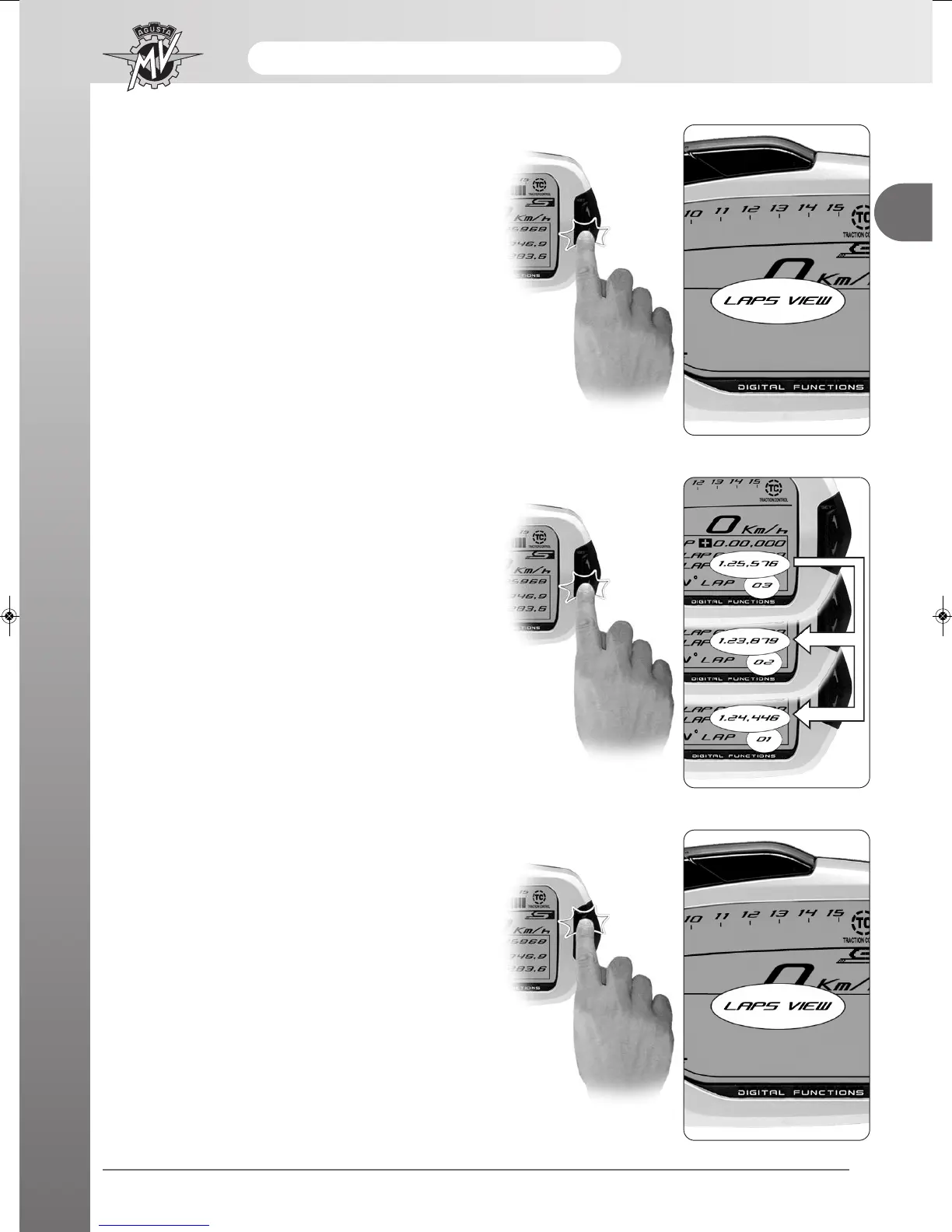
- Press “OK” for less than three seconds until “LAPS
VIEW” appears.
- By repeatedly pressing “OK”, all the times previously
acquired starting from the last lap memorised can be
displayed in sequence.
- Once all the data have been displayed, press the
“SET” key to return to the “LAPS VIEW” mode and
then to the following mode.












 To Next Page