Maintenance
- 81 -
B
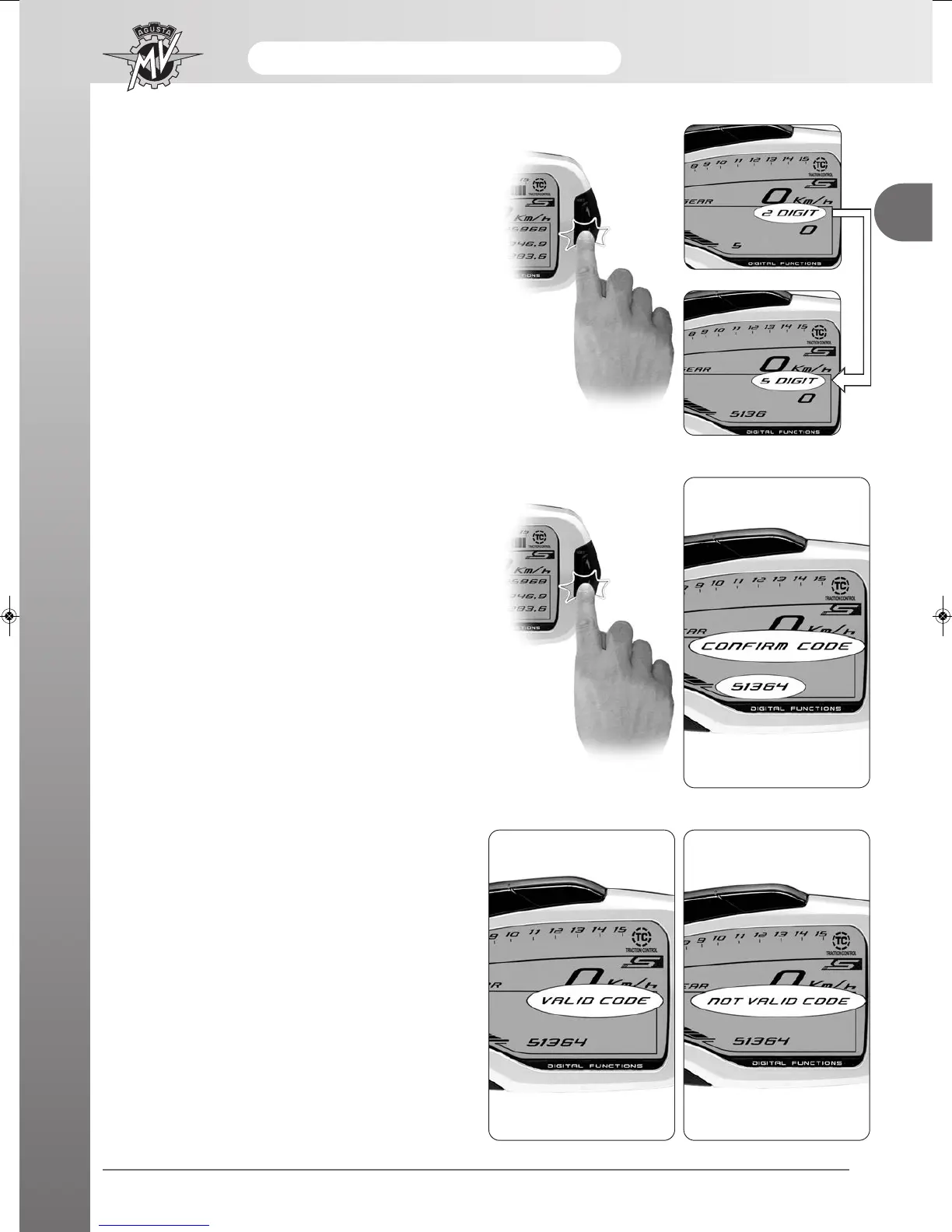
- Once the digit has been selected, press “OK” for over
three seconds to confirm the first digit of the code.
Now, you can set the second digit of the code.
- Do the same to set the other four digits of the code.
- Once the full code has been entered, “CONFIRM
CODE” appears on the display. Press “OK” for over
three seconds to confirm the code.
- If the entered code is recognised by the system,
“VALID CODE” appears. The dashboard display goes
back to “RUN”. The engine may be started.
- If the entered code is wrong, “NOTVALID CODE”
appears. The system will not let the engine start; the
display goes back to “IMMOBILIZER”. Repeat the
code entry procedure from the start, taking care of
setting all the right digits shown on your MV Code
Card. If the problem persists, contact a MV Agusta
licensed service centre.





 To Next Page