Applications 4
Pulse Laser Station NPL-302 Series Instruction Manual 83
Using [DSP] to switch between display screens
Press [DSP] to switch between the Stakeout display screens. The following screens
are available:
The S-O8 screen is only available if the secondary distance unit is set. For more
information, see Others settings, page 140.
Every time you press
[DSP], the next screen appears. If you press [DSP] in the last
screen (S-O7, or S-O8 if the secondary distance unit is set), the S-O1 screen
appears.
To customize the S-O2, S-O3, and S-O4 screens, hold down
[DSP] for one second.
For more information, see Customizing items in the Basic Measurement Screen
(BMS), page 40.
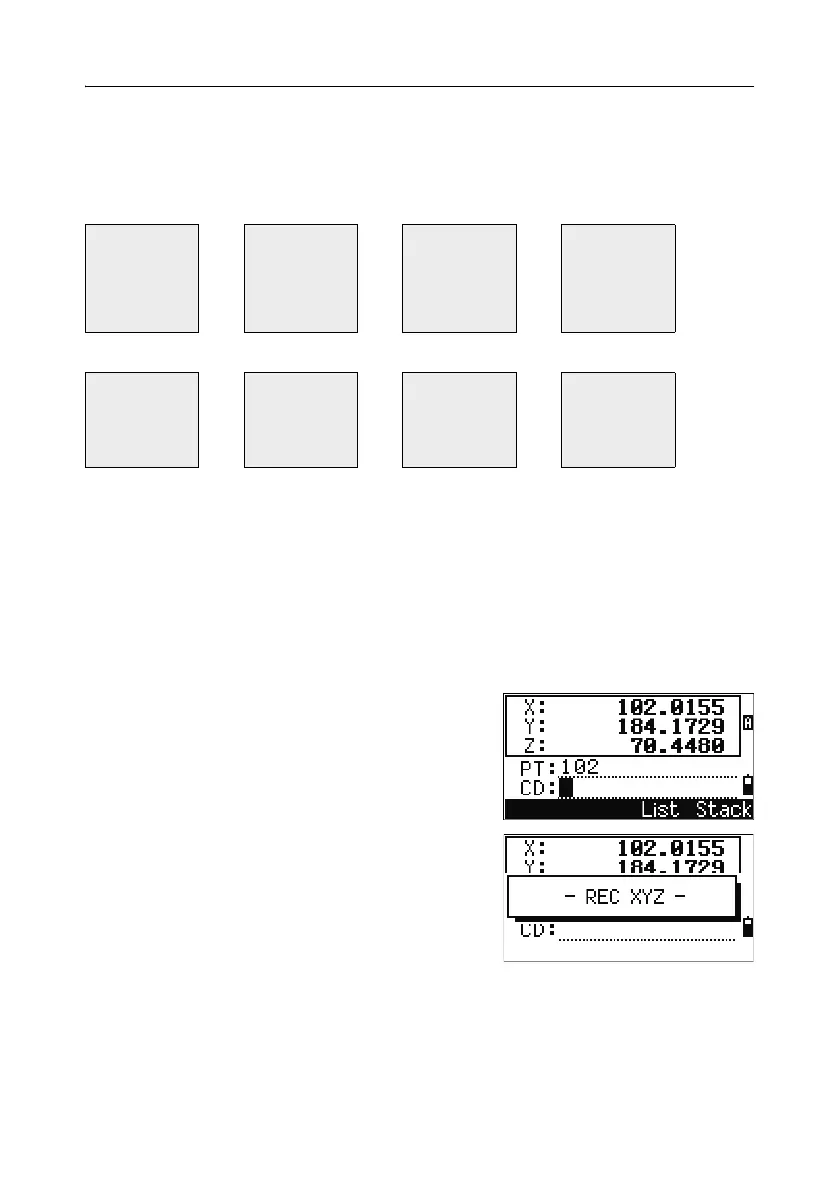
To record the stakeout point, press
[ENT]. PT
defaults to the last recorded PT+1.
Press
[ENT] to record the point.
After recording the point, it returns to the
observation screen. You can continue observation,
or press
[ESC] to input another angle and distance
for stakeout.
S-O1 S-O2 S-O3 S-O4
dHA←
R←
OUT↑
CUT↑
HA
VA
SD
HA
VD
HD
HL
V%
HD
S-O5 S-O6 S-O7 S-O8
X
Y
Z
dX
dY
dZ
rSD
rVD
rHD
HD
VD
SD



 To Next Page