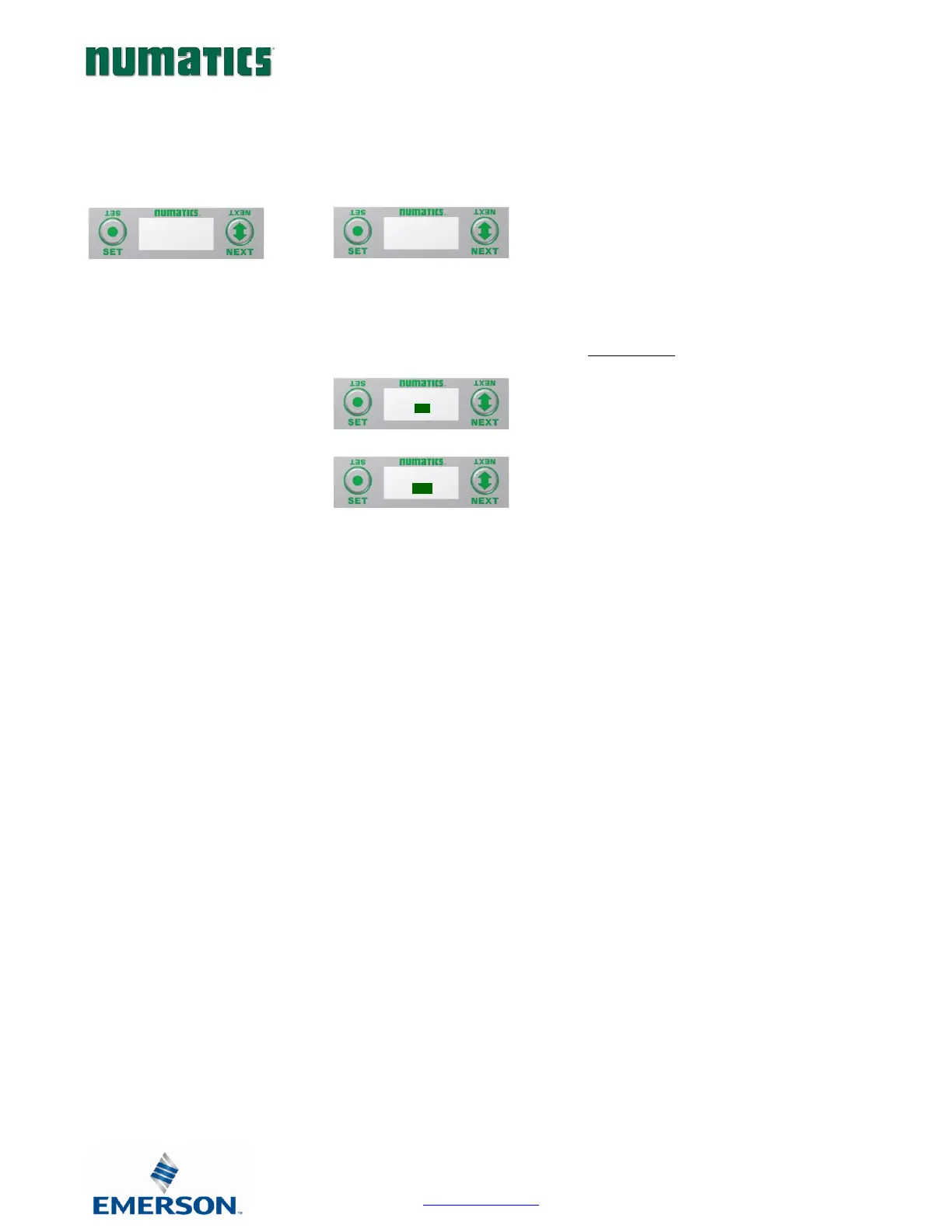
RTD Module / Advanced Setting
Allows the Update Filters for each channel to be set.
A) Press the SET button to enter the
Advance Settings sub-menu.
B) Press the NEXT button to choose the
option; Update Filters or Calibrate RTD.
.
Update Filters
C) Press the SET button to choose the
Update Filter setting.
D) Press the NEXT button to scroll through
the filter times.
E) Press the SET button to select the
desired Update Filter time.


 To Next Page