5.15 Advanced Settings – Quick Connect
This will allow the enabling / disabling of the “Quick Connect” feature. “Quick Connect” streamlines the startup time of the G3
subbus and is typically utilized in automatic tool change applications.
Quick Connect Settings
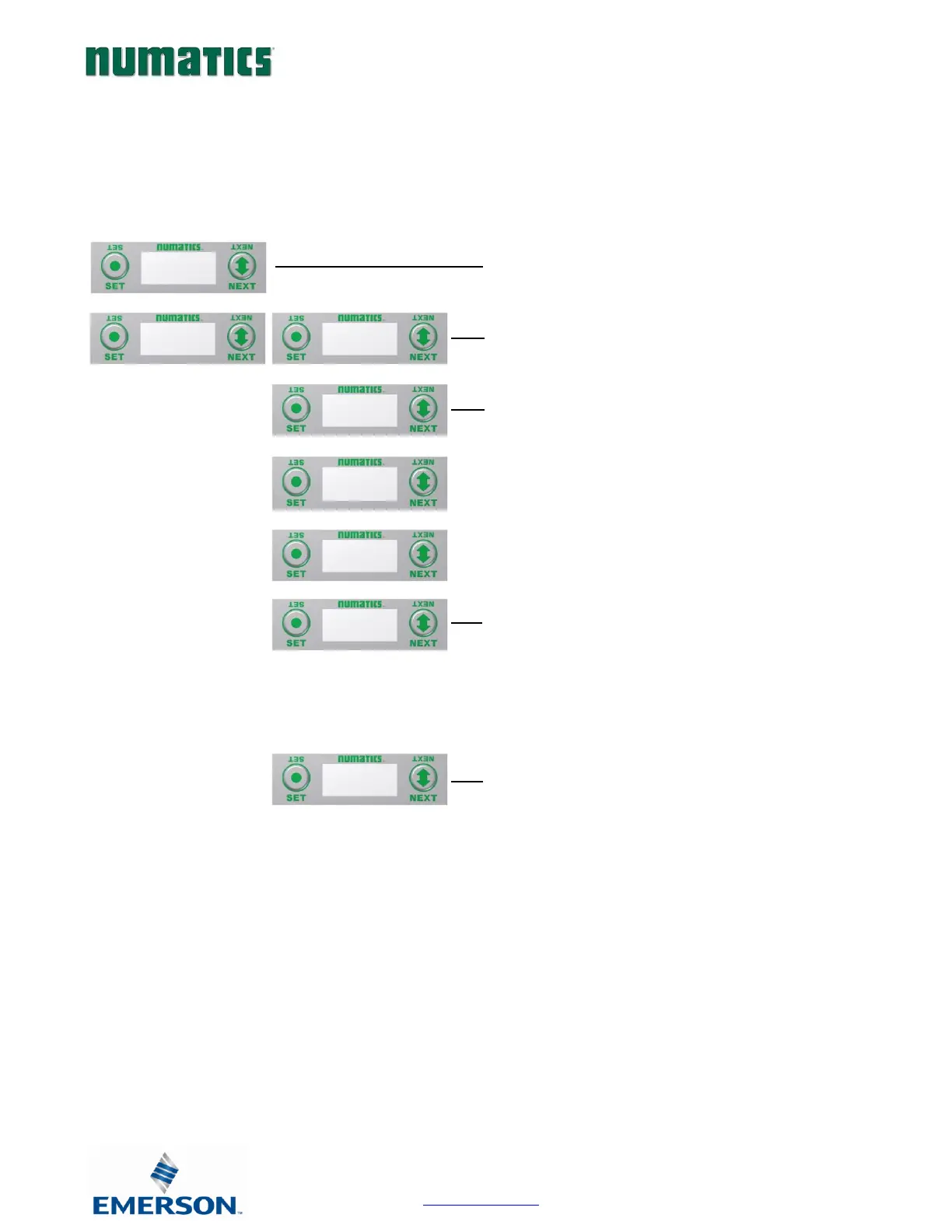
8. Press the SET button to enter the ADVANCED SETTINGS
menu.
9. Press the NEXT button to scroll to the ADVANCED MENU /
QUICK CONNECT
10. Press the SET button to enter the QUICK CONNECT menu
11. Press the SET button, the current state of the parameter is
highlighted.
12. Press the SET button to change this parameter
Press the NEXT button;
a. DISABLED menu)
b. ENABLED
c. RETURN (this will return you to the main
13. Press the SET button to confirm your choice
Press the NEXT button to select Yes or No to accept the
selection
Press the SET button to confirm your choice
a. Selecting No will bring you back to the main QUICK
CONNECT menu.
b. Selecting Yes will take you to the following save
settings menu.
Save Settings Steps
14. Press the NEXT button to select either NOW or LATER.
Press the SET button to confirm your choice.
a. Selecting NOW will cause the node to reset and apply
the new setting
b. Selecting LATER will cause the new QUICK CONNECT
selection to be saved in memory, you must Accept
the saved changes before your next power cycle
otherwise they will be lost.


 To Next Page