Steps to Set IP Address
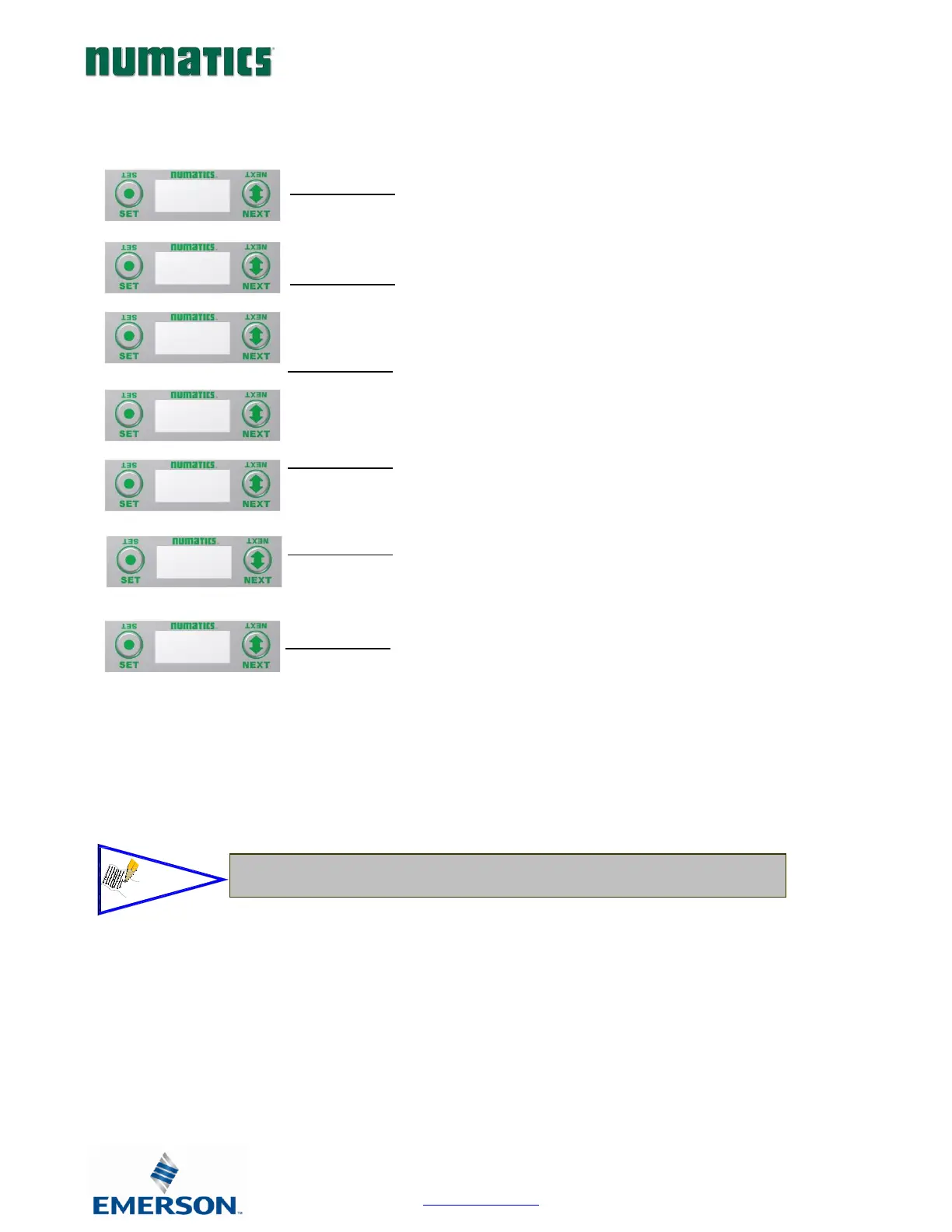
1. Press the SET button to enter the IP ADDRESS sub-menu.
2. Press the NEXT button to select the octet that you would like to
change.
Press the SET button to change the value.
3. Press the SET button to scroll through the hundred, tens and ones
digits of the octet.
Press the NEXT button to scroll through the valid digits (0-9).
Press the SET button to advance through the octet.
Press the NEXT button to advance to the next octet, scroll pass the
fourth octet to accept the entire IP Address
4. Press the SET button to input the address shown on the display,
5. Press the NEXT button to select Yes or No to accept the IP Address
shown on the display..
a. Selecting No will bring you back to the main Address menu.
b. Selecting Yes will take you to the following SAVE SETTINGS
menu
6. Press the NEXT button to select either NOW or LATER.
a. Selecting NOW will cause the node to reset and apply the
new setting.
b. Selecting LATER will cause the new Address to be saved in
temporary memory to allow you to make additional
parameter changes before the node is reset. However, you
must ACCEPT the saved changes before your next power
cycle otherwise they will be lost.
Press the SET button to confirm your choice.


 To Next Page