13.3 EtherNet/IP
TM
Web Server functionality
This section will discuss the functionality of the built in Ethernet server. Every Numatics EtherNet/IP
TM
has this feature. Through
this server you can configure the node, force I/O, check diagnostics, etc. Each Numatics’ webpage will be explained.
To get to the Numatics “Home” page, open a web browser. In the URL line, type in the IP address of the manifold and
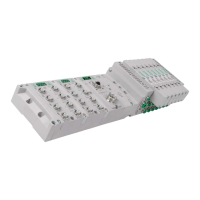
press “Enter”. The Numatics “Home” page will appear. This page shows a picture of the Numatics EtherNet/IP
TM
manifold. From this page, the user can navigate the entire built-in web server.


 To Next Page