EasyManua.ls Logo

Numatics G3 Series - Factory Defaults

Numatics G3 Series
164 pages
Print Icon
To Next Page IconTo Next Page
To Previous Page IconTo Previous Page
Loading...
G3 Series EtherNet/IP
TM
DLR Technical Manual
5-45
TDG3EDM1-6EN 3/18
Subject to change without notice
www.asco.com/g3
5.17 Factory Defaults
FACTORY DEFAULT SETTINGS
Description
Default
IP Address
192.168.3.120
Sub Net Mask
255.255.255.0
DHCP Boot-P
Enabled
Web Server
Enabled
Diagnostic Word
Enabled
I/O Diagnostic Status
Enabled
Comm Fault Fault Action
Off
Brightness
High
Comm. Format
SINT
Params Lock
Unlocked
Config Lock
Unlocked
Quick Connect
Disabled
Compat. Mode
Disabled
Config Mode
32
Factory Default Settings
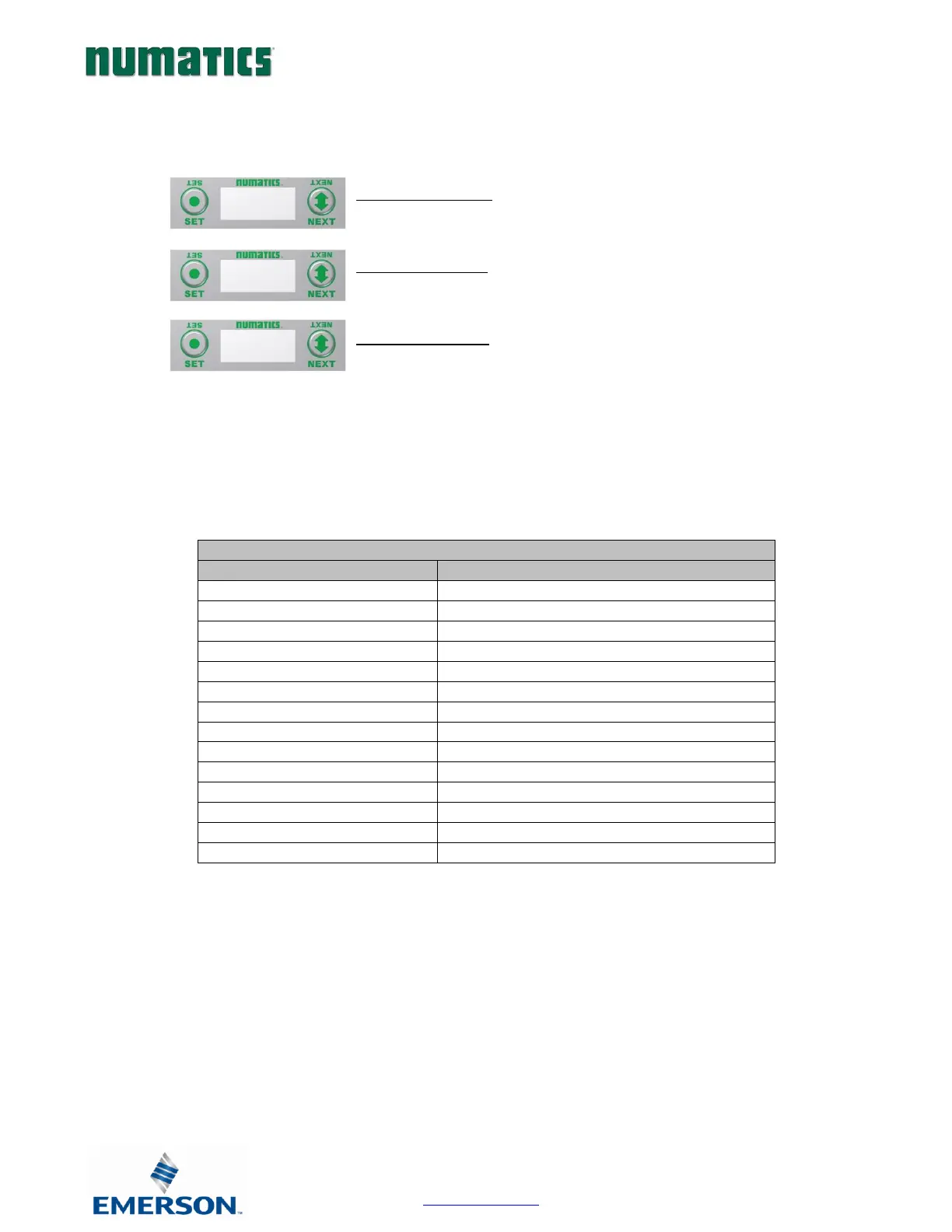
4. Press the SET button to enter the FACTORY DEFAULTS
sub-menu.
5. Press the SET button to change this parameter
6. Press the NEXT button to select Yes or No.
d. Selecting No will bring you back to the main
FACTORY DEFAULTS menu.
e. Selecting Yes will cause the node to reset and
return all parameters to the factory default
conditions.
f. Selecting RETUTN will bring you back to the main
FACTORY DEFAULS menu
Press the SET button to confirm your choice.
Factory Default Settings:

FACTORY
DEFAULTS
SET DEFAULTS
NO
SET DEFAULTS
YES

Table of Contents

Related product manuals