Brightness Settings
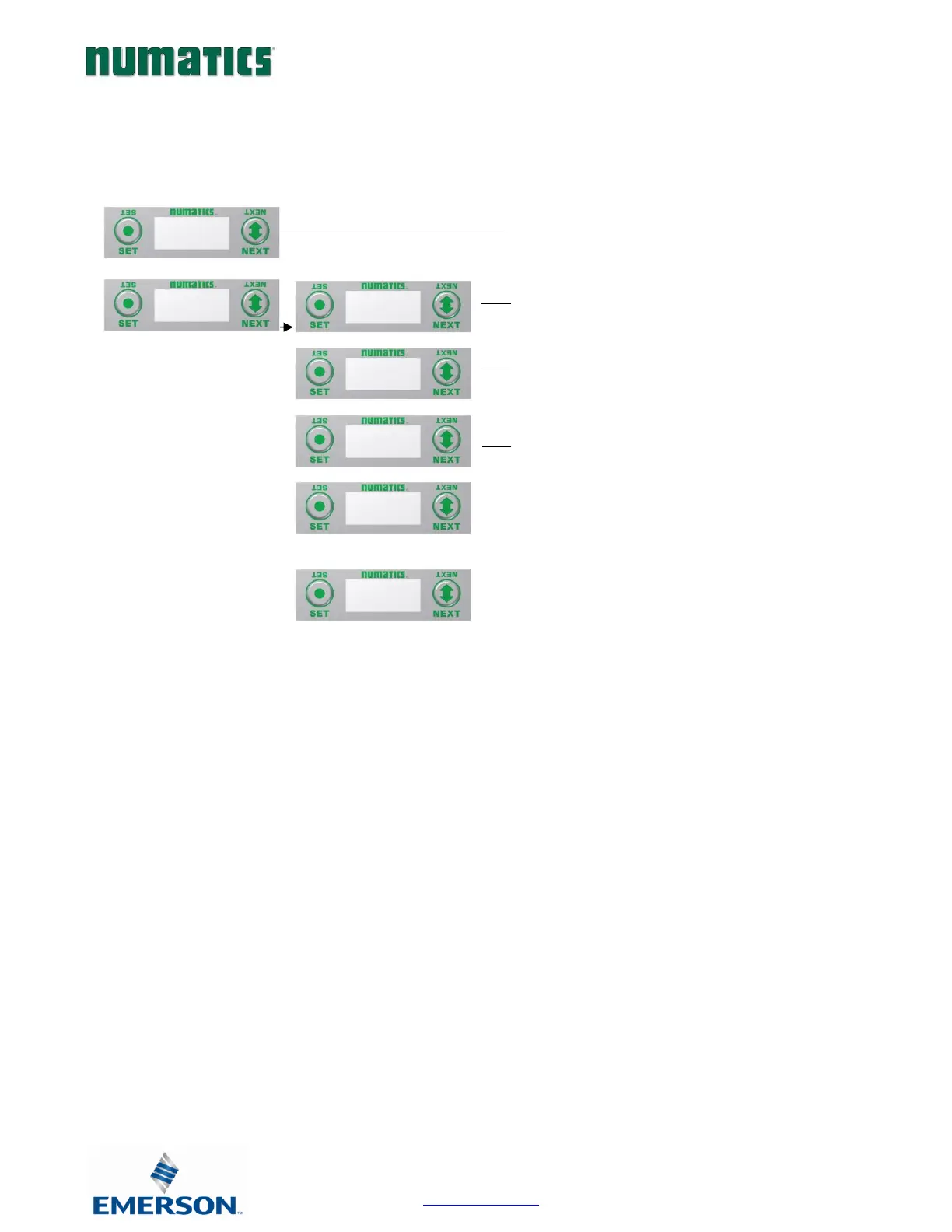
1. Press the SET button to enter the ADVANCED SETTINGS
menu.
2. Press the NEXT button to scroll to the CONFIG MENU / SET
BRIGHTNESS.
Press the SET button to enter the CONFIG MENU / SET
BRIGHTNESS.
3. The current state of the parameter is shown
4. Press the SET button to change this parameter
Press the NEXT button to scroll the choices for the desired
brightness of the graphic display for all modules on the G3
system.
a. LOW
b. MEDIUM
c. HIGH (Factory Default)
Press the SET button to confirm your choice. The changes
will take effect immediately.


 To Next Page