13.4 IP Address Configuration
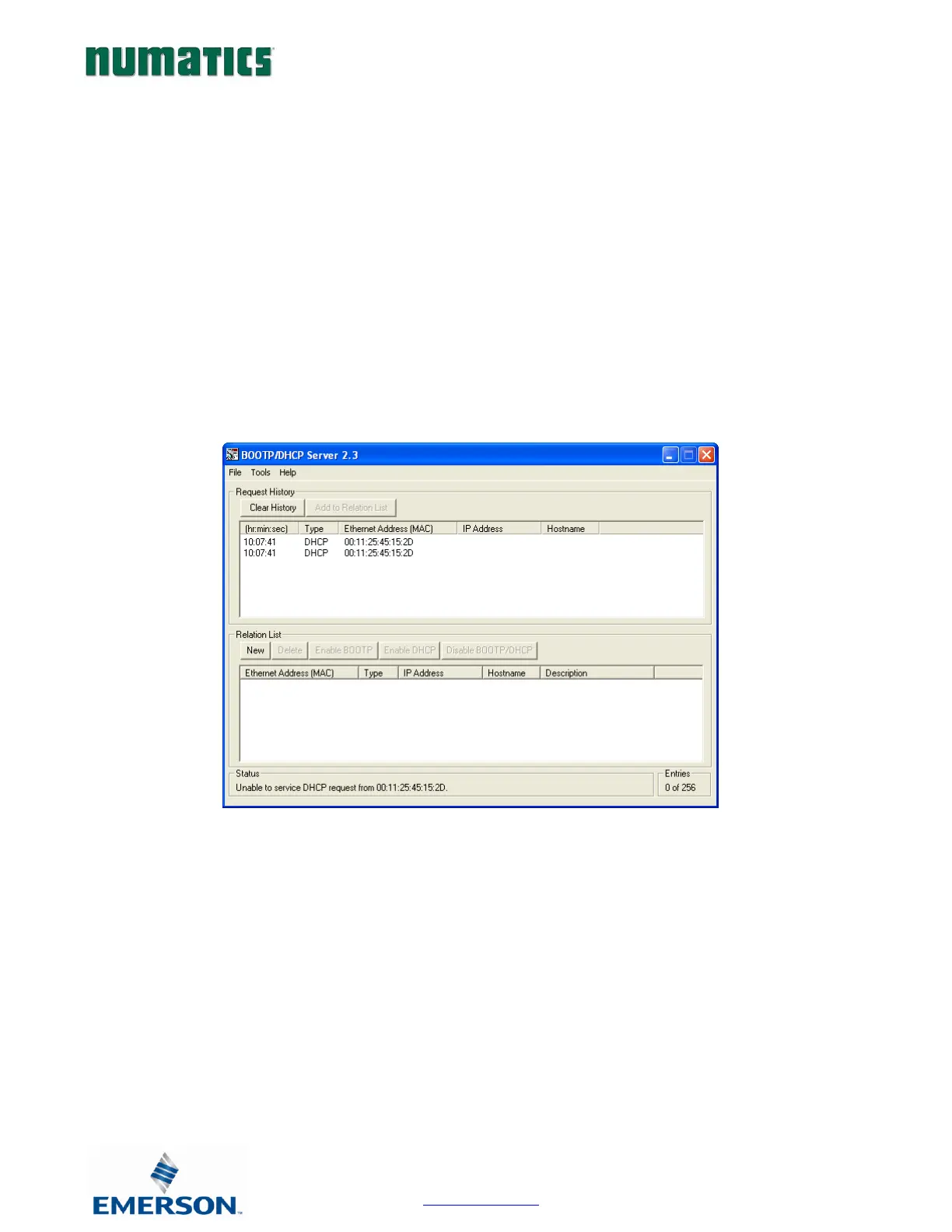
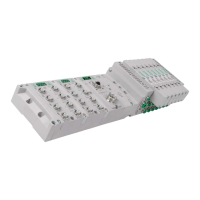
The IP address of the Numatics G3 EtherNet/IP
™
node may be configured via several different methods:
• DHCP/BOOTP
• Integrated Web Page Configuration
• Graphical display
The node is shipped from the factory with the DHCP/BOOTP feature enabled. This allows a DHCP server to
automatically set the IP address to the node when connected to the network, or a BOOTP server to establish
communication to the node and set the IP address. These addressing methods require that the unique MAC ADDRESS
of the node is known. The MAC ADDRESS is displayed on the graphical display of the node. It will be different for
every node. When DHCP/BOOTP is enabled and a DHCP server is found, the IP address, Subnet mask, and gateway
are automatically configured by the DHCP server.
The DHCP/BOOTP setting can be enabled or disabled via the nodes integrated web server or graphical display.


 To Next Page