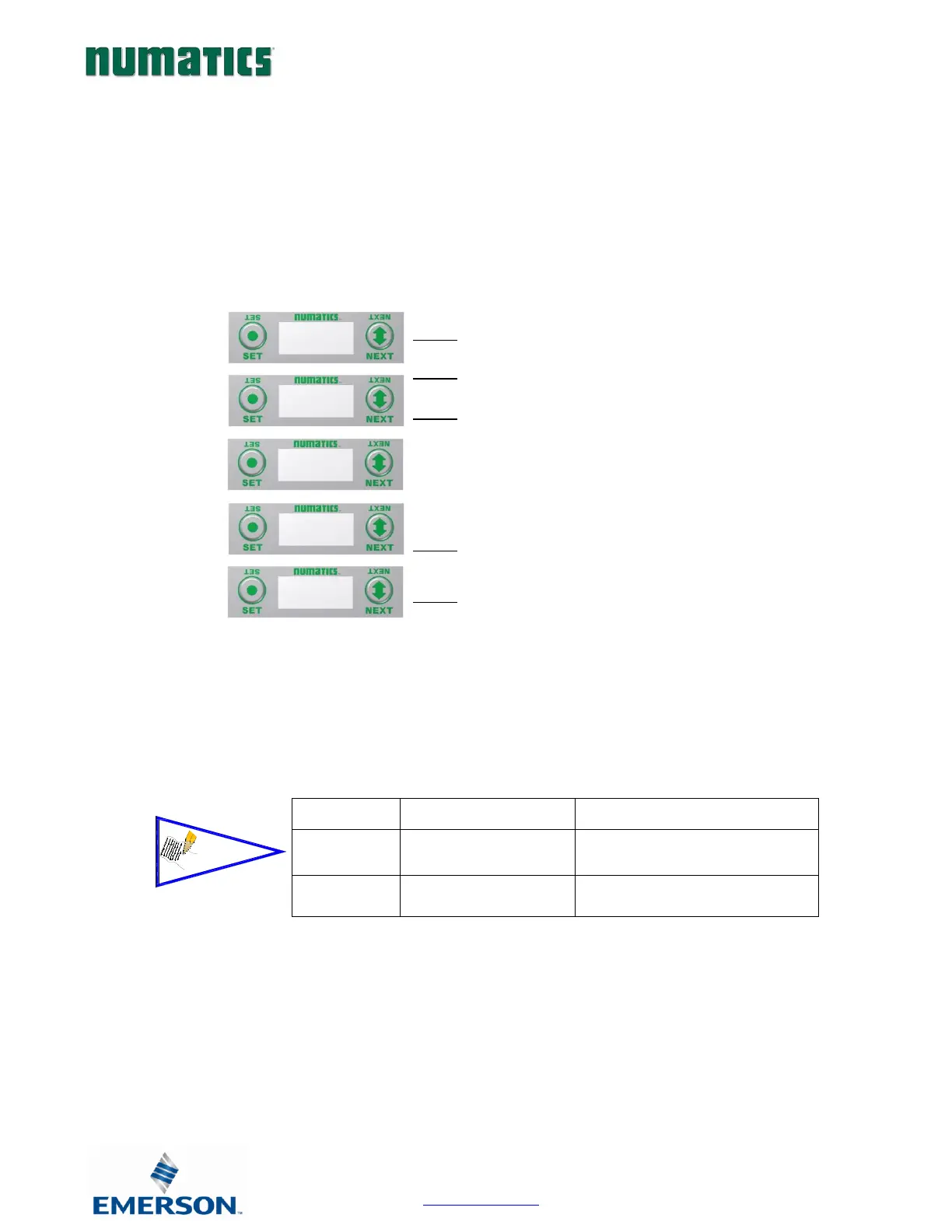
Internal Power Settings
1. Press the SET button to enter the INTERNAL POWER
menu
2. CHANNEL A & B DISABLE
3. Press the NEXT button to scroll through the choices
to enable or disable the feature.
j. ENABLED (Factory Default)
k. DISABLED
l. RETURN (this will return you to the main
menu)
m.
Press the SET button to confirm your choice
4. CHANNEL C & D DISABLE
5. Press the NEXT button to scroll through the choices
to enable or disable the feature.
n. ENABLED (Factory Default)
o. DISABLED
p. RETURN (this will return you to the main
menu)
Press the SET button to confirm your choice
Internal or Aux. Power Select (240-363 Only)
Analog devices connected to the 240-363 can be powered from the Aux. Power supply port (Internal Power Disabled) or from
the module backplane (Internal Power Enabled). This is selected through the “Internal Power Menu” as shown. Channels A/B
and C/D are controlled independently.


 To Next Page