G3 Series EtherNet/IP
TM
DLR Technical Manual
10-99
TDG3EDM1-6EN 3/18
Subject to change without notice
www.asco.com/g3
Brightness Settings
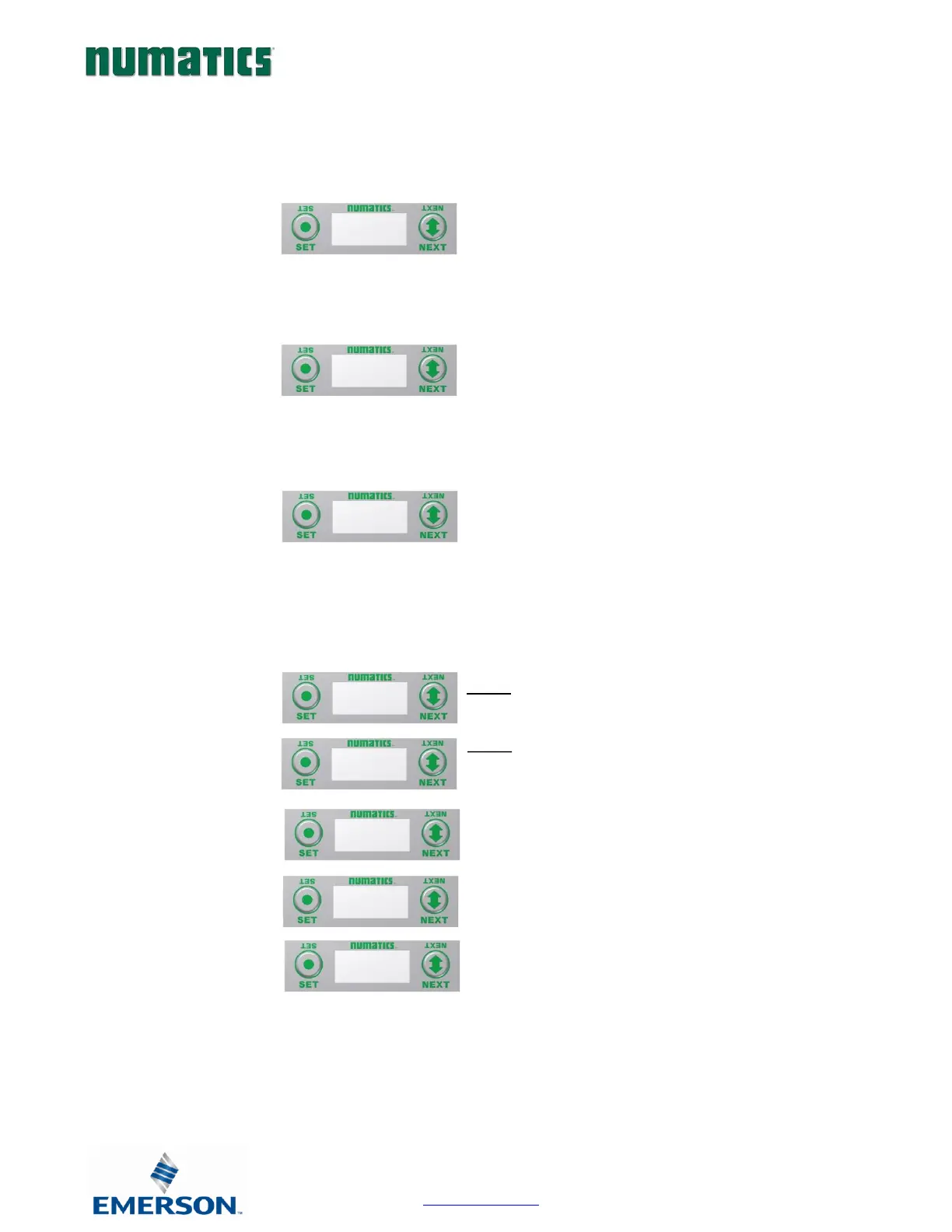
1. Press the SET button to enter the SET BRIGHTNESS
menu.
2. Press the NEXT button to scroll the choices for the
desired brightness of the LCD display for the analog
module.
a. LOW
b. MEDIUM (Factory Default)
c. HIGH
d. RETURN (this will return you to the main
menu)
Press the SET button to confirm your choice. The
changes will take effect immediately.
Analog Module / Description
Displays the quantity and type of I/O on the module
Ex. 2 analog Inputs and 2 analog outputs
Analog Module / Part number
Displays the replacement part number of the module
Analog Module / Firmware
Displays the firmware revision level for the module
Analog Module / Brightness


 To Next Page