7.2.4 Replacing the developer
242 A29246-X20-X-4-7680 / fa701.fm
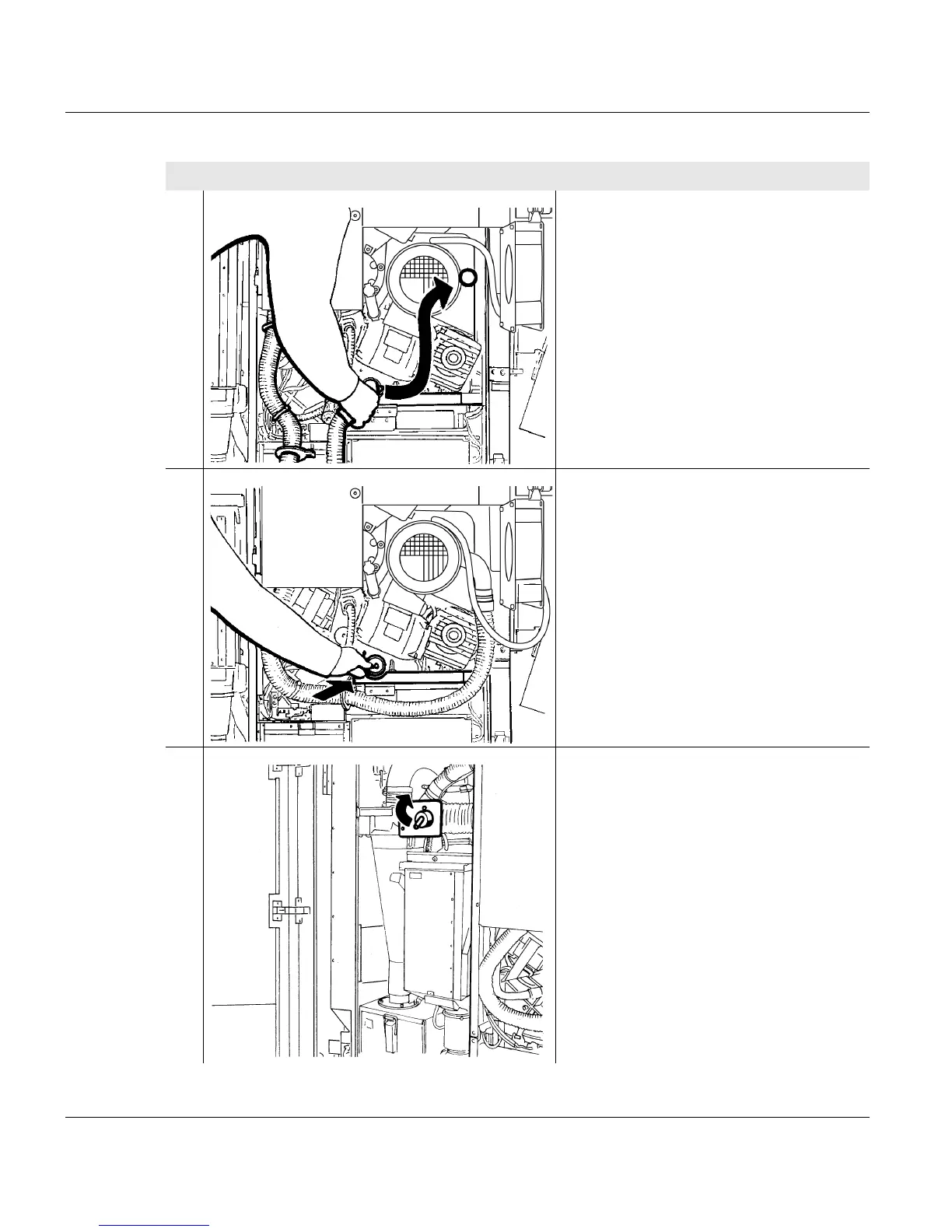
14. Remove the vacuum hose from the
vacuum opening and place in the toner
box.
15. Close the vacuum opening of the
developer station with the lid.
16. Set rotary switch to the "PRINT"
position.
Proceed as follows:
4 of 5



 To Next Page