86
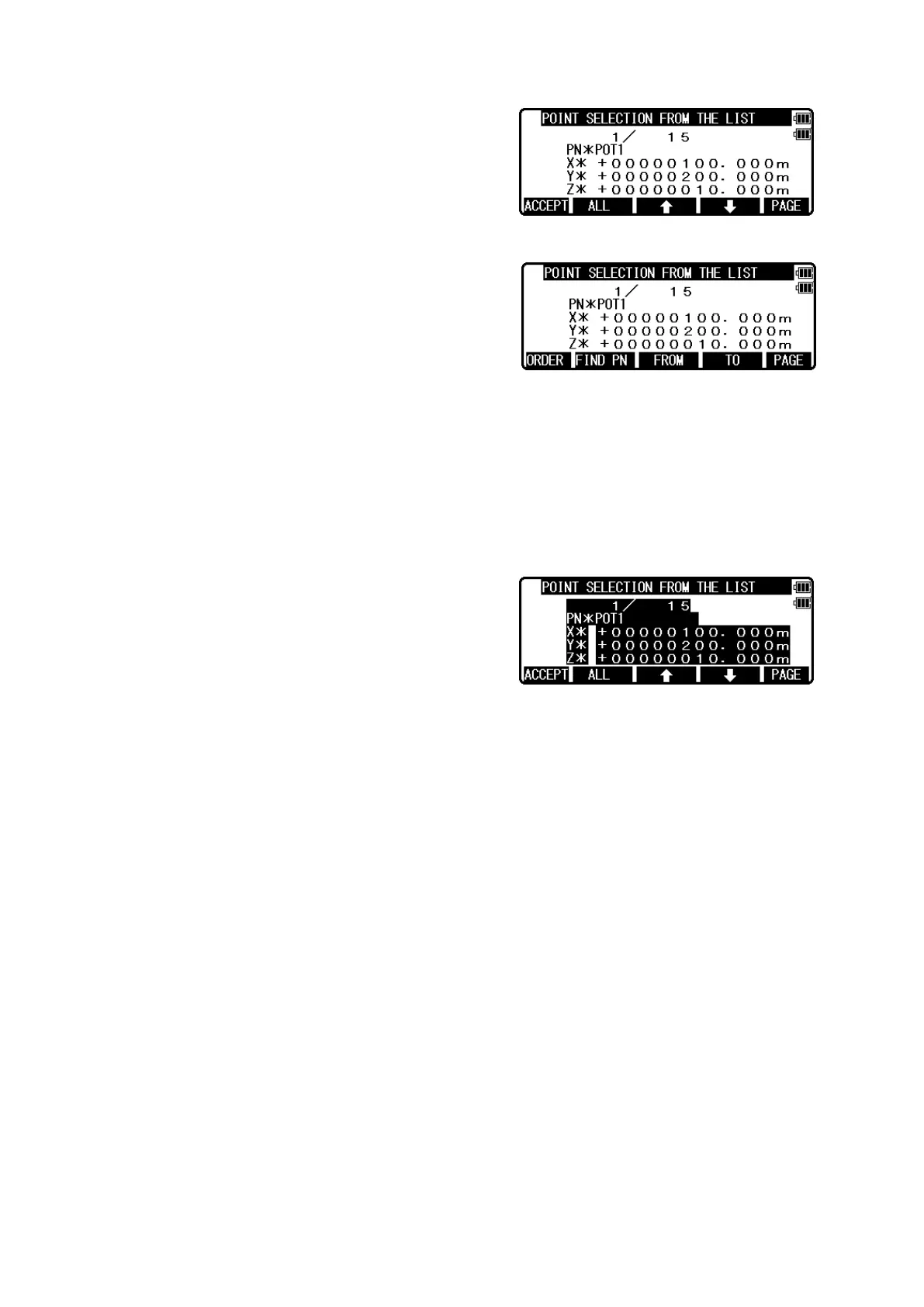
Select 2. 2D SURFACE and press [ENT] to view
POINT SELECTION FROM THE LIST screen.
If you press [F5][PAGE], you can see another
screen.
You select points,which define the polygon in order at this screen.
How to select points of polygon
[ENT] key
Move to selection point by [F3] and [F4] arrow keys
and press [ENT] to select it one by one and each
indication is reversed as follows.
Reverse display shows that it was selected.
If you cancel the selection of the point, press [ENT]
again.
You can cancel the selection points one by one
after pressing [ALL].
[F2][ALL] key
Press [F2][ALL] to select all stored points of current JOB. The order of points is according
to the arrangement of the memory.
If you press [F2][ALL] again, the selection of all points is canceled.You can cancel the
selection points by [ENT] one by one, after pressing [ALL].
If you press [F2][ALL] after you already selected some points, the selection of all points
is reversed.
[F3][FROM] key and [F4][TO] key
You can define the range of polygonal points from all points of current JOB by
[F3][FROM] and [F4][TO] as follows.


 To Next Page
 Loading...