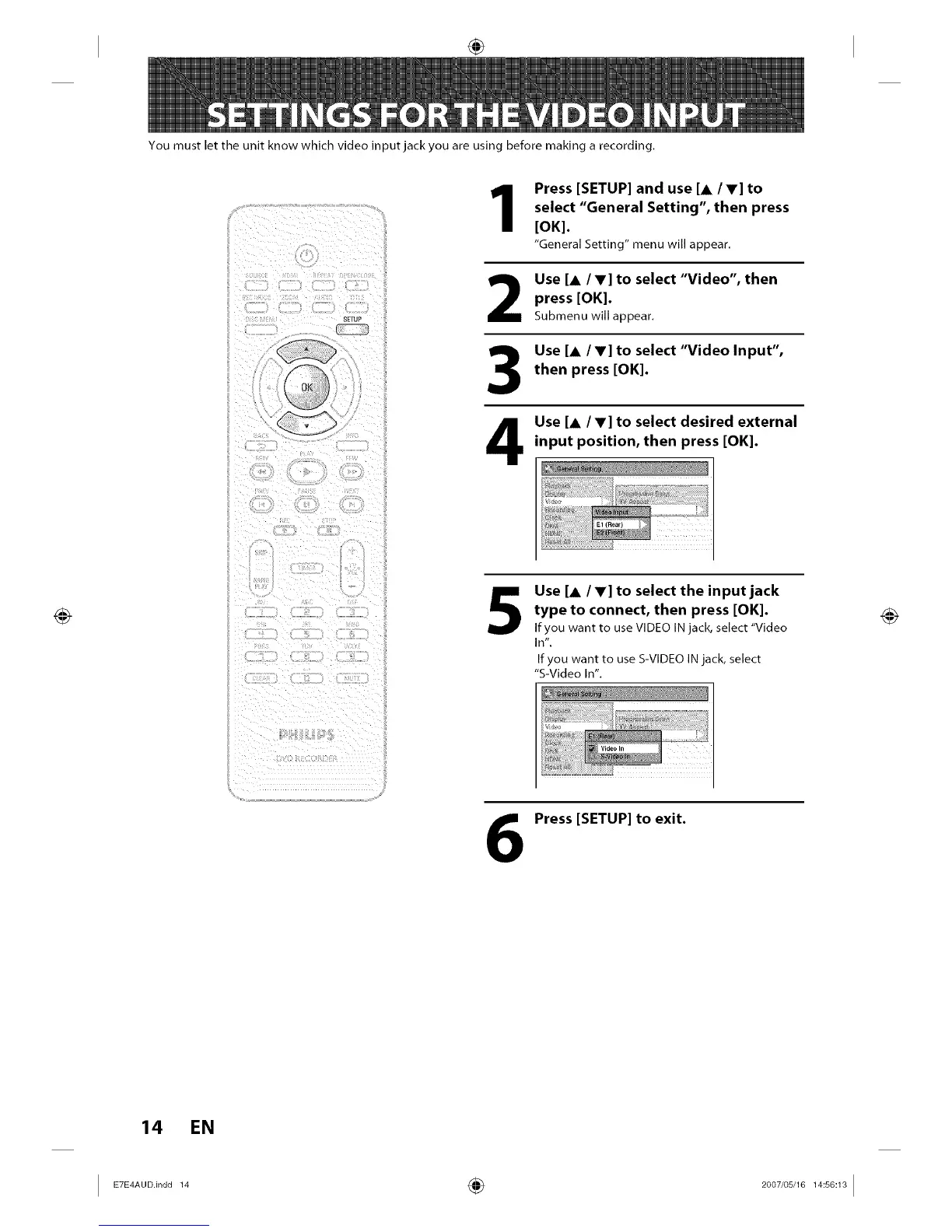
You must let the unit know which video input jack you are using before making a recording.
SETUP
Press [SETUP] and use [A /V] to
select "General Setting", then press
[OK].
"General Setting" menu will appear.
2
3
4
5
6
Use [A /V] to select "Video", then
press [OK].
Submenu will appear.
Use [A /V] to select "Video Input",
then press [OK].
Use [& /V] to select desired external
input position, then press [OK].
Use [A IV] to select the input jack
type to connect, then press [OK].
If you want to use VIDEO IN jack, select "Video
In".
If you want to use S-VIDEO IN jack, select
"S-Video In".
Vdeo n
Press [SETUP] to exit.
14 EN
I ETE_°°.in°°_ ÷ _°°7'°__°_I














 To Next Page