This unit is compatible with the progressive scan system.
The feature provides you with the higher definition
images than the traditional output system does. To utilize
this feature, you must set progressive scan mode to "ON".
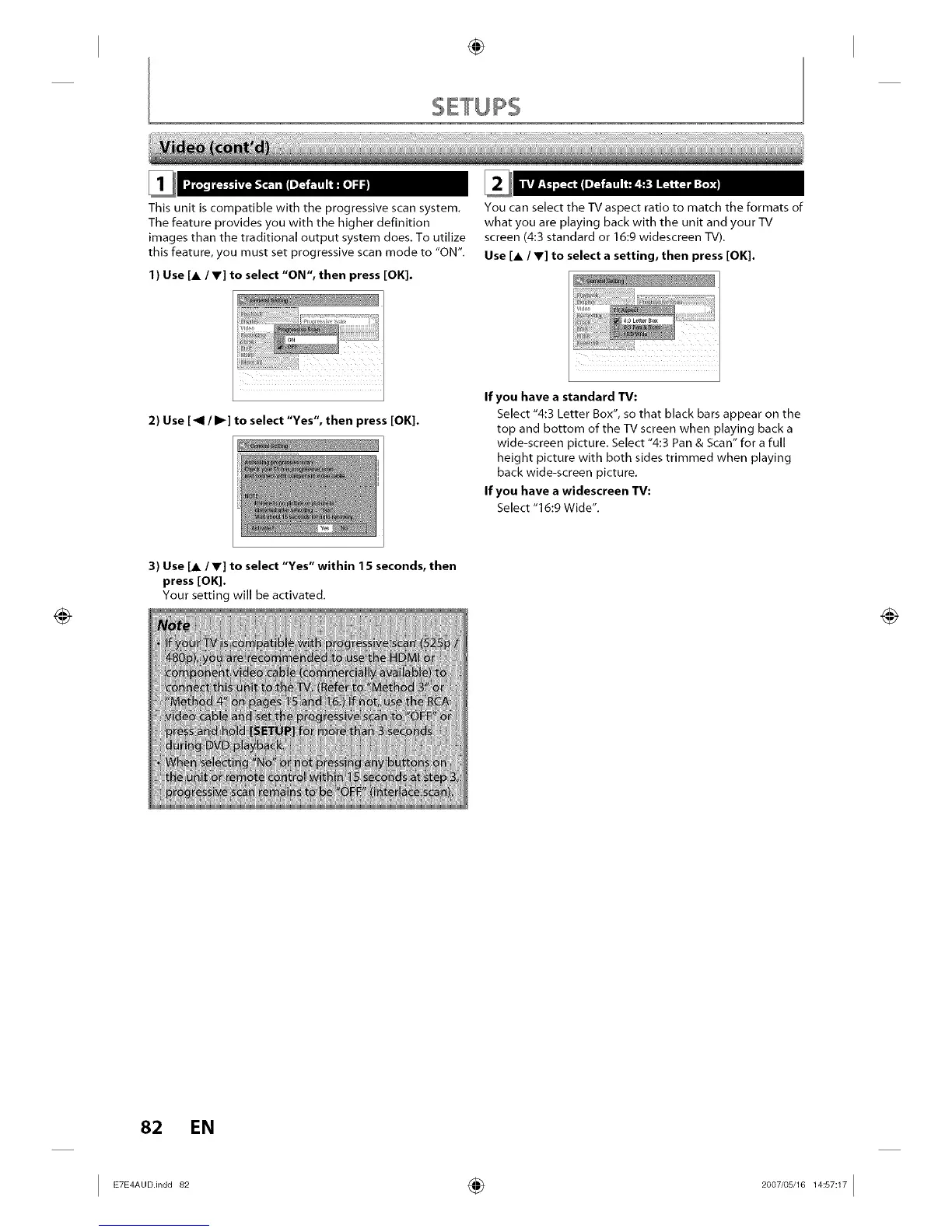
I ) Use [A / Y] to select "ON", then press [OK].
2) Use [41 / I1_] to select "Yes", then press [OK].
You can select the TV aspect ratio to match the formats of
what you are playing back with the unit and your TV
screen (4:3 standard or 16:9 widescreen TV).
Use [A / Y] to select a setting, then press [OK].
If you have a standard TV"
Select "4:3 Letter Box", so that black bars appear on the
top and bottom of the TV screen when playing back a
wide-screen picture. Select "4:3 Pan & Scan" for a full
height picture with both sides trimmed when playing
back wide-screen picture.
If you have a widescreen TV:
Select "16:9 Wide".
3) Use [A / V] to select "Yes" within 15 seconds, then
press [OK].
Your setting will be activated.
82 EN
I ETE A00n0082 ÷ 2007'0SJ1 I














 To Next Page