1)During playback, press [INFO].
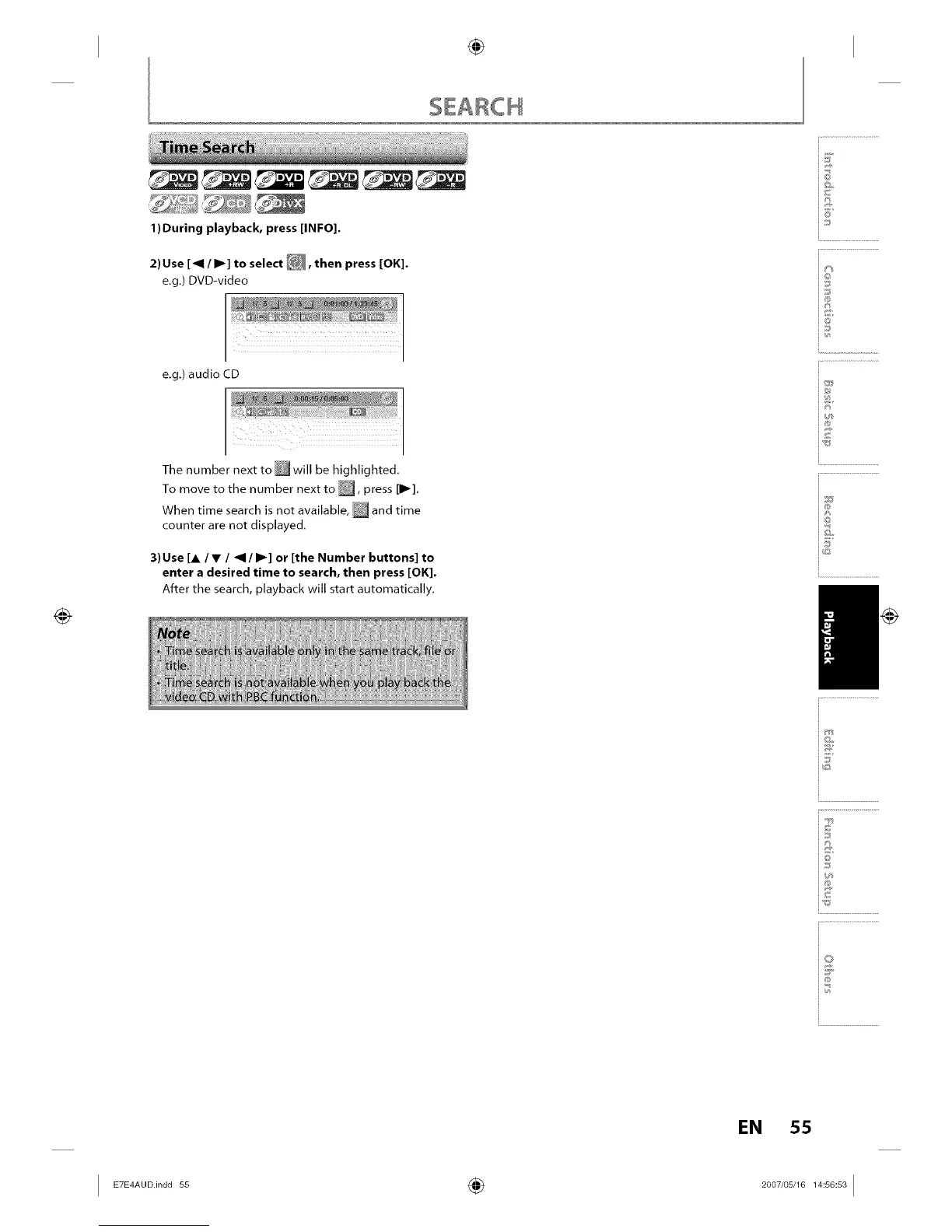
2) Use [_1 / I1_] to select _, then press [OK].
e,g,) DVD-video
e,g,) audio CD
The number next to'will be highlighted,
To move to the number next to _, press [11_].
When time search is not available, _ and time
counter are not displayed.
3)Use [A/V / _1/I1_] or [the Number buttons] to
enter a desired time to search, then press [OK].
After the search, playback will start automatically,
iF
_©
io
_J
i®
in
i®
i©
i.............................................
io
i...........................
EN 55














 To Next Page