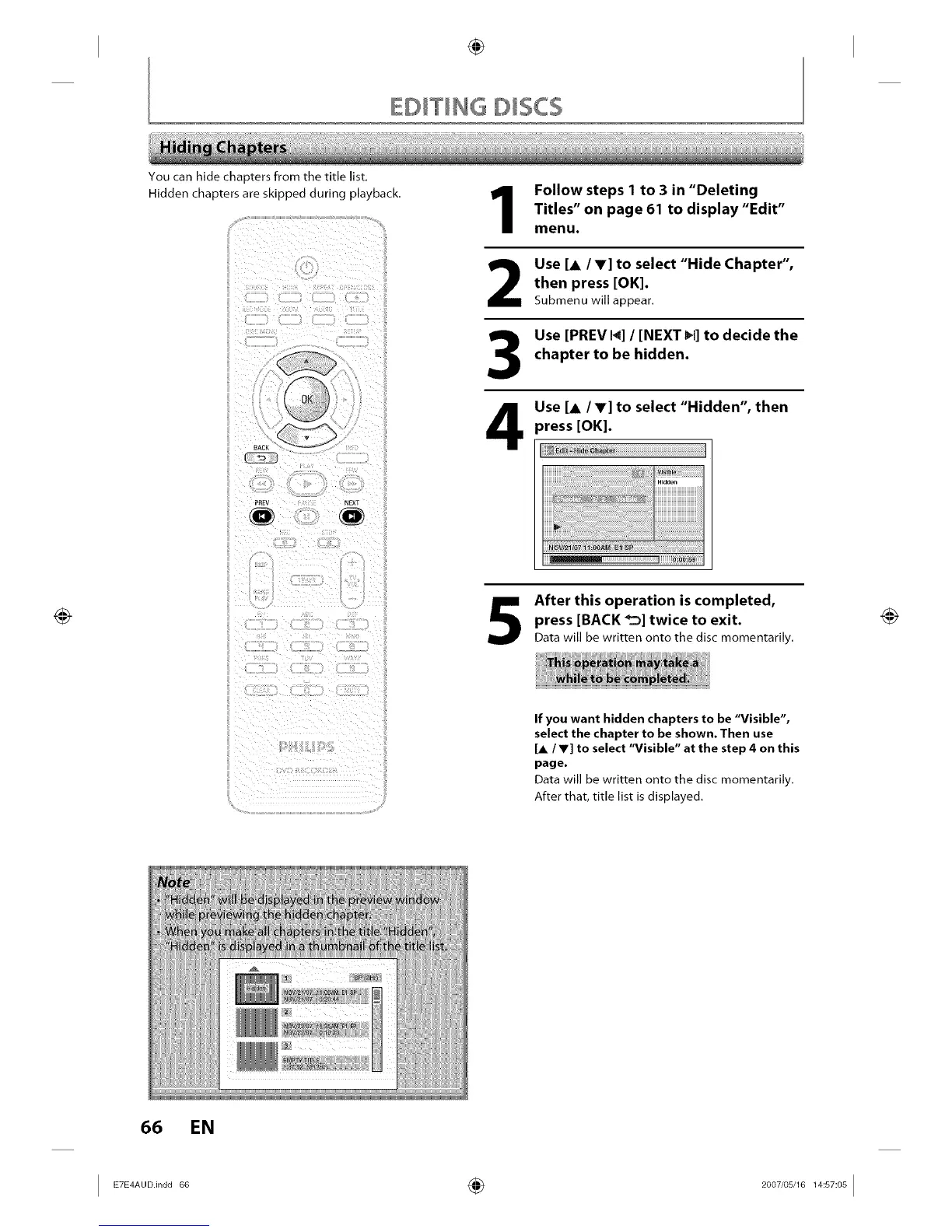
You can hide chapters from the title list.
Hidden chapters are skipped during playback.
_, _iF:_k _/_ i_ h_3 _ _h_ii ,_ : i_¸
1
2
3
4
Follow steps 1 to 3 in "Deleting
Titles" on page 61 to display "Edit"
menu.
Use [A /V] to select "Hide Chapter",
then press [OK].
Submenu will appear.
Use [PREV 14]/ [NEXT _1]to decide the
chapter to be hidden.
Use [A /V] to select "Hidden", then
)ress [OK].
After this operation is completed,
press [BACK _] twice to exit.
Data will be written onto the disc momentarily.
If you want hidden chapters to be "Visible",
select the chapter to be shown. Then use
[A / Y] to select "Visible" at the step 4 on this
page.
Data will be written onto the disc momentarily.
After that, title list is displayed.
66 EN
I ETE_A°°in°°6° ÷ 2°°7'°s'1_l_s_°sI














 To Next Page