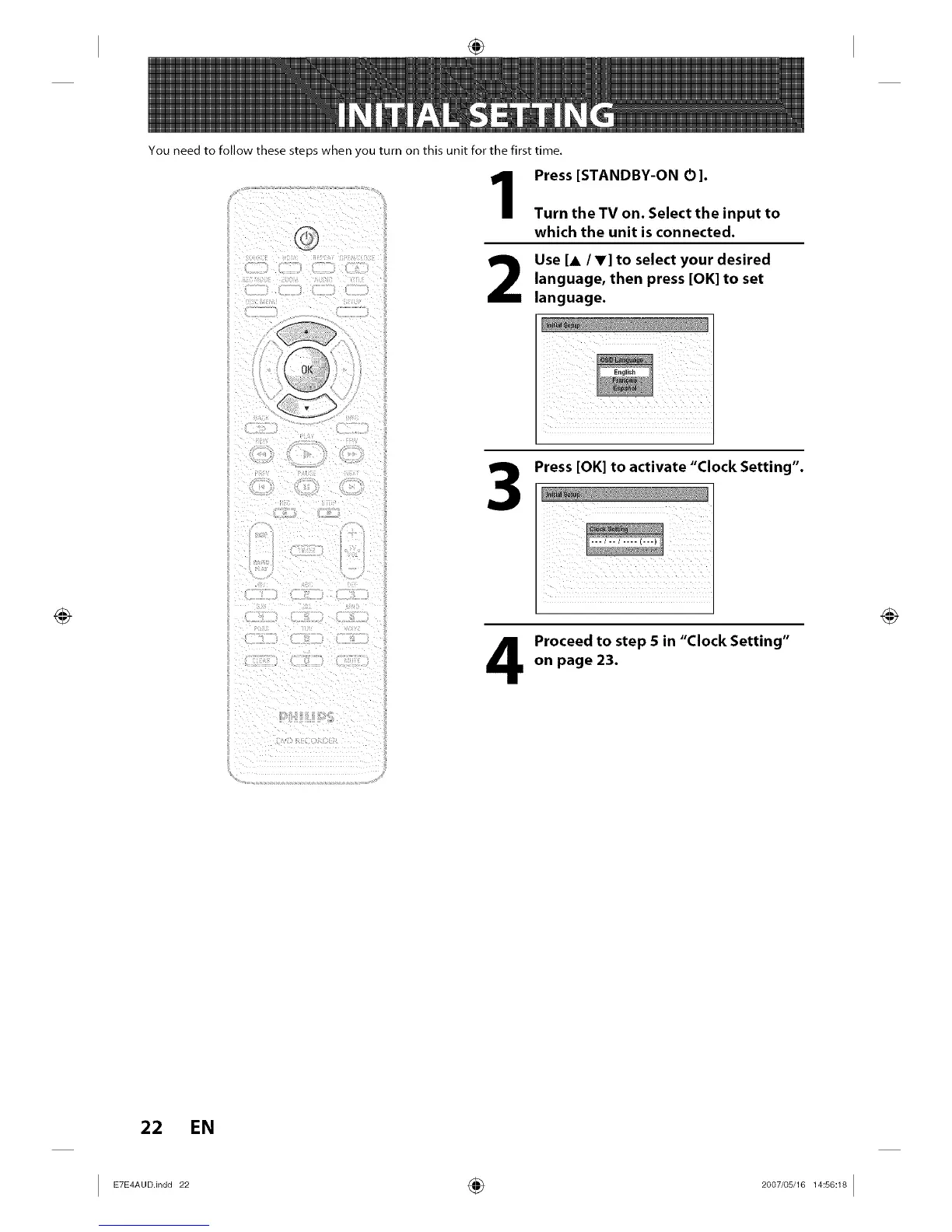
You need to follow these steps when you turn on this unit for the first time,
Press [STANDBY-ON O].
Turn the TV on. Select the input to
which the unit is connected.
Use [A/V] to select your desired
language, then press [OK] to set
language.
3
Press [OK] to activate "Clock Setting".
Proceedtostep 5in"ClockSetting"
on page 23.
22 EN














 To Next Page