SELECTING THE FORMAT OF AU©IO AND VI©EO
( @ _£@ @ s /,;
You can enjoy stereophonic virtual space through your
existing 2 channel stereo system.
1)During playback, press [INFO].
2) Use [_1 / I1_] to select _, then press [OK] within 1
second or wait for 1 second to display the selection
menu.
e,g,) DVD-video
Some DVD-video have scenes shot from 2 or more
angles, Angle information should be on the disc case if
the disc contains multi-angle scenes,
1)During playback, press [INFO].
2)Use [_1 / I1_]to select _, then press [OK].
e,g,) DVD-video
3) Use [A / V] to select "OFF", "Type 1" or "Type 2",
then press [OK].
e,g,) DVD-video
OFF : no effect
Type 1 : natural effect
Type 2 : emphasized effect
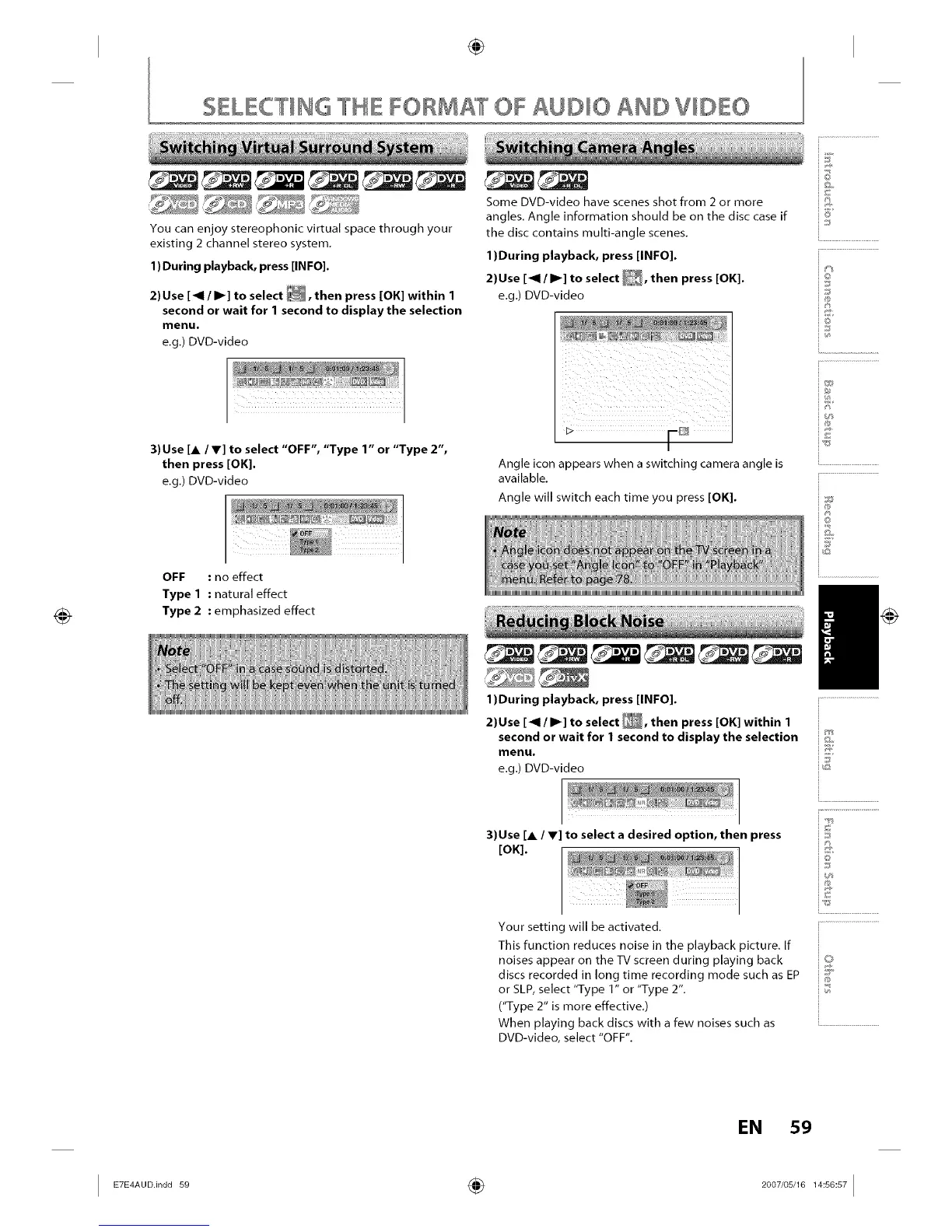
Angle icon appears when a switching camera angle is
available,
Angle will switch each time you press [OK].
@
i8'
io
iJ
4;
@
©
iQ
i...............................................
1)During playback, press [INFO].
2)Use [_1 / I_] to select _, then press [OK] within 1
second or wait for 1 second to display the selection iI'_'_
menu. _:]
e.g.) DVDIvideo _:_
3)Use [A / _] to select a desired option, then press
[OK].
Your setting will be activated,
This function reduces noise in the playback picture. If
noises appear on the TV screen during playing back
discs recorded in long time recording mode such as EP
or SLP, select "Type 1" or "Type 2",
("Type 2" is more effective,)
When playing back discs with a few noises such as
DVD-video, select "OFF",
i.............................................
i £
i©
is
is
i...........................
@
EN 59
I ÷ I














 To Next Page