You can set a specified time for chapter marks.
Use this feature to make the unfinalized +VR mode discs
recorded on other unit recordable on this unit. When you
make an additional recording on this unit with "Make
Recording Compatible" set to "ON", the title menu is
automatically converted to our style.
1) Press [SETUP] and use [A/V] to select "General
Setting", then press [OK].
"General Setting" menu will appear.
2) Use [A / V] to select "Recording", then press [OK].
"Recording" menu will appear.
3) Use [A /V] to select "Make Recording Compatible",
then press [OK].
4) Use [A / V] to select "ON" or "OFF", then press [OK].
ON: Title list will be replaced when you make
additional recordings to the discs recorded by
other units,
OFF: Prohibiting additional record to the disc that
has a title list created by other units,
5) Press [SETUP] to exit.
1) Press [SETUP] and use [A Iv] to select "General
Setting", then press [OK].
"General Setting" menu will appear,
2) Use [A / V] to select "Recording", then press [OK].
"Recording" menu will appear.
3) Use [A / V] to select "Auto Chapter", then press [OK].
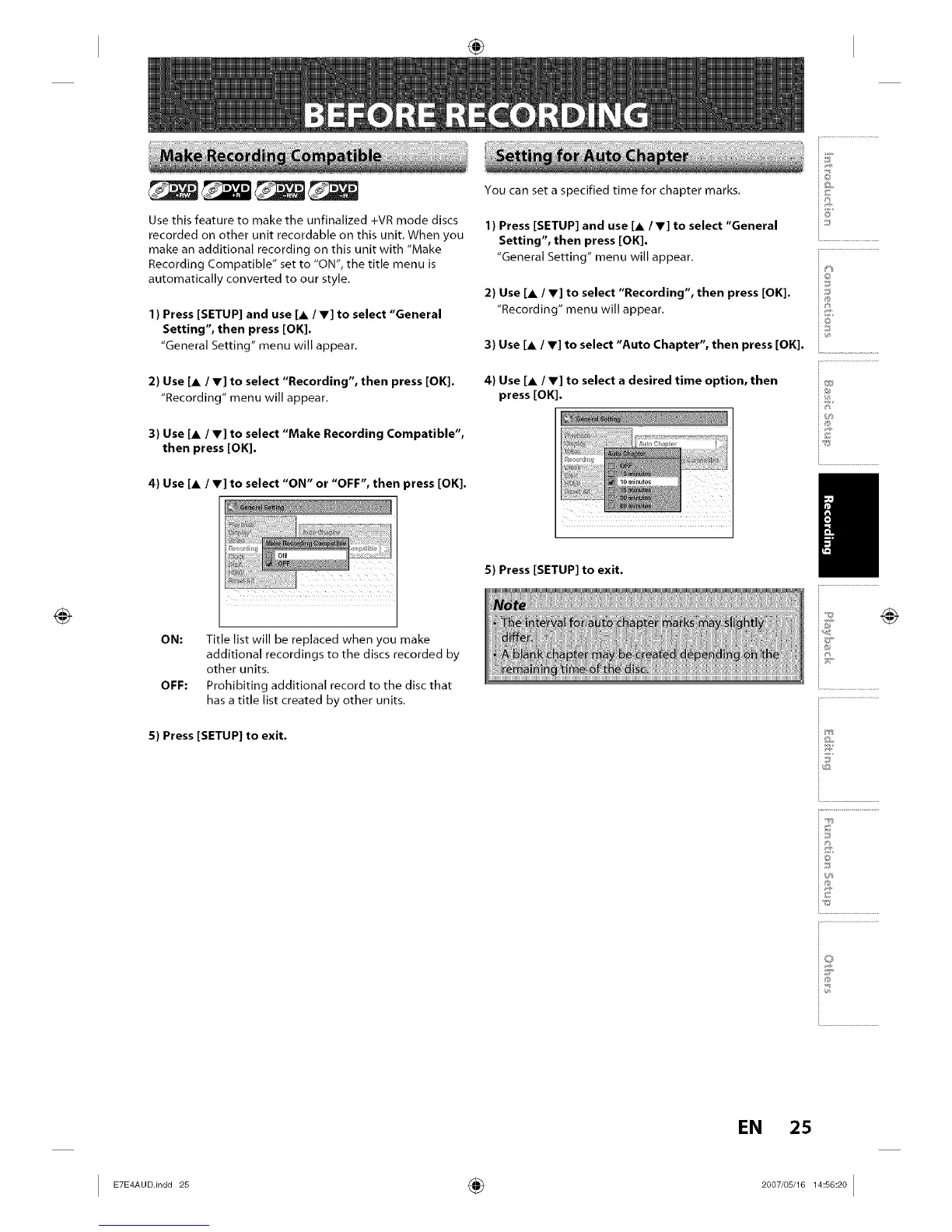
4) Use [A / V] to select a desired time option, then
press [OK].
5) Press [SETUP] to exit.
@
i6'
io
iJ
i®
}
iv
i.............................................
io
i...........................
EN 25
I ÷ I














 To Next Page