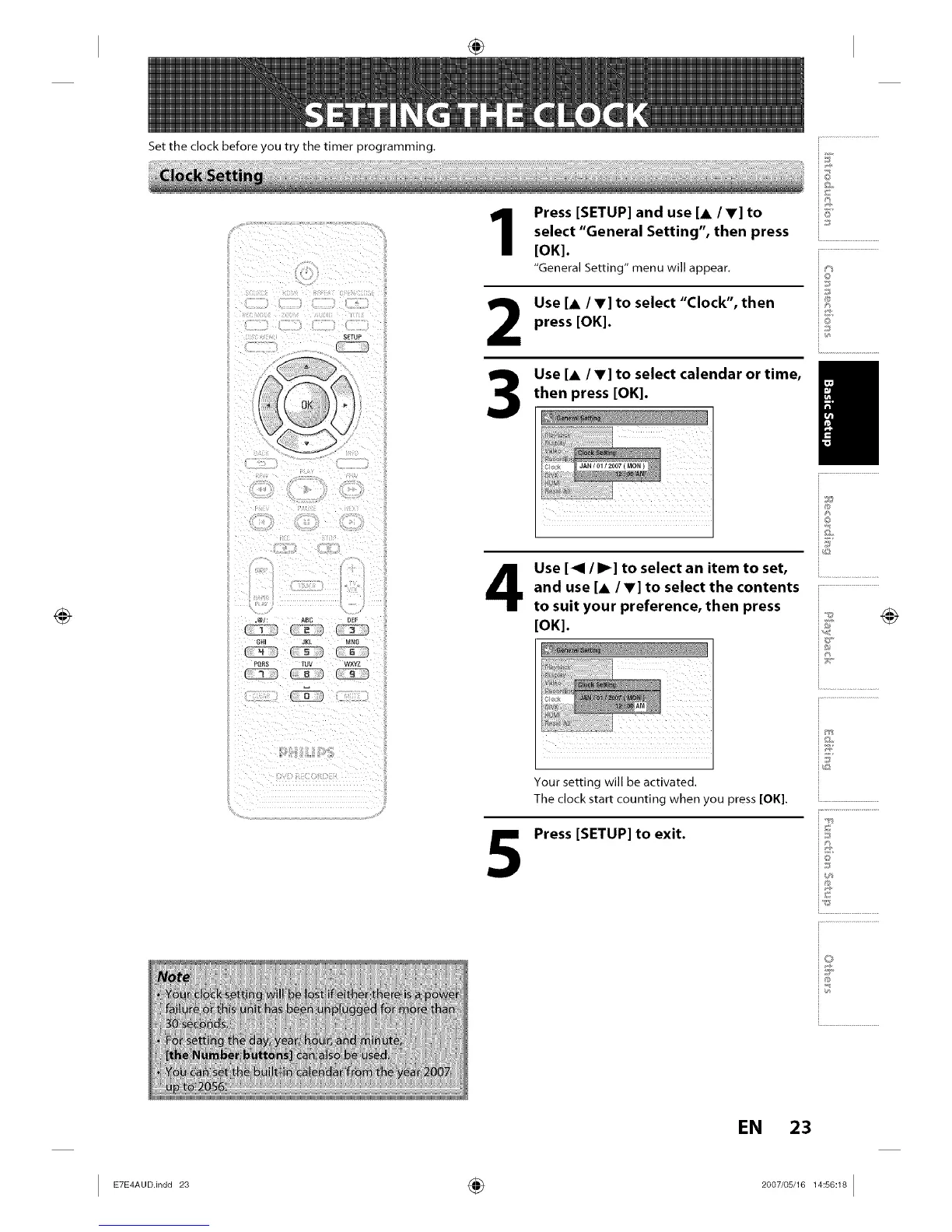
Set the clock before you try the timer programming.
Press [SETUP] and use [A /V] to
select "General Setting", then press
[OK].
"General Setting" menu will appear.
2
3
5
Use [A /V] to select "Clock", then
press [OK].
Use [& IV] to select calendar or time,
then press [OK].
Use [<1 / I_] to select an item to set,
and use [&/V] to select the contents
to suit your preference, then press
[OK].
Your setting will be activated.
The clock start counting when you press [OK].
Press [SETUP] to exit.
i©
i®
i©
i.............................................
i©
i...........................
EN 23
I E_E_°°in°°_ ÷ _°°_'°s__s°_I














 To Next Page