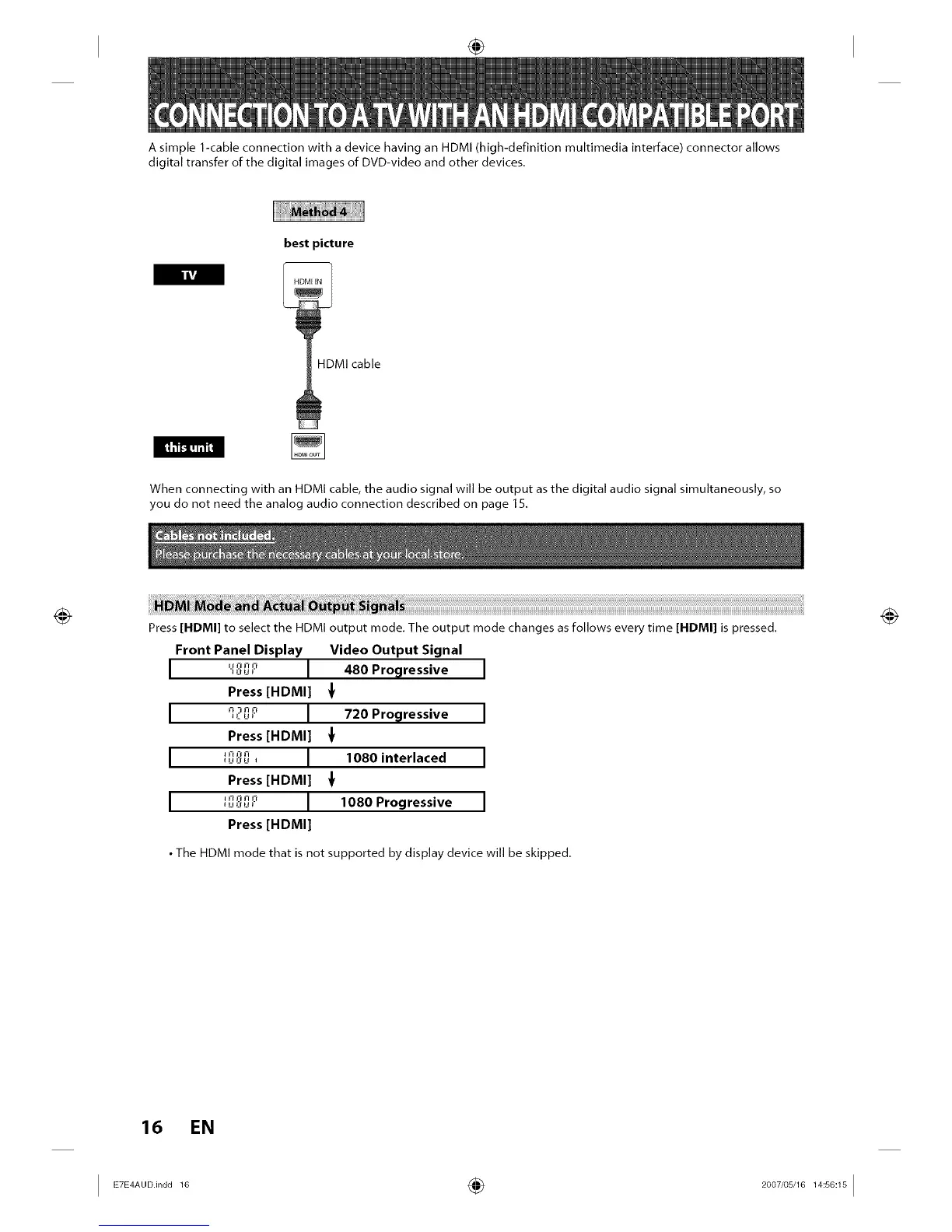
A simple 1-cable connection with a device having an HDMI (high-definition multimedia interface) connector allows
digital transfer of the digital images of DVD-video and other devices.
best picture
HDMI cable
IItM
When connecting with an HDMI cable, the audio signal will be output as the digital audio signal simultaneously, so
you do not need the analog audio connection described on page 15.
Press [HDMI] to select the HDMI output mode. The output mode changes as follows every time [HDMI] is pressed.
Front Panel Display Video Output Signal
I "_' I 480 Progressive
Press [HDMI]
I '12__' I 720 Progressive
Press [HDMI]
I I _'i J'l I],,J,:,L,, I 1080 interlaced
Press [HDMI]
I _l ii Fi i_f,_,,:,_,_ I 1080 Progressive
Press [HDMI]
• The HDMI mode that is not supported by display device will be skipped.
16 EN
I ETE_A°°.in°°1° ÷ 2°°7'°sJ16l_s°_lsI














 To Next Page