STOP
1
2
3
4
5
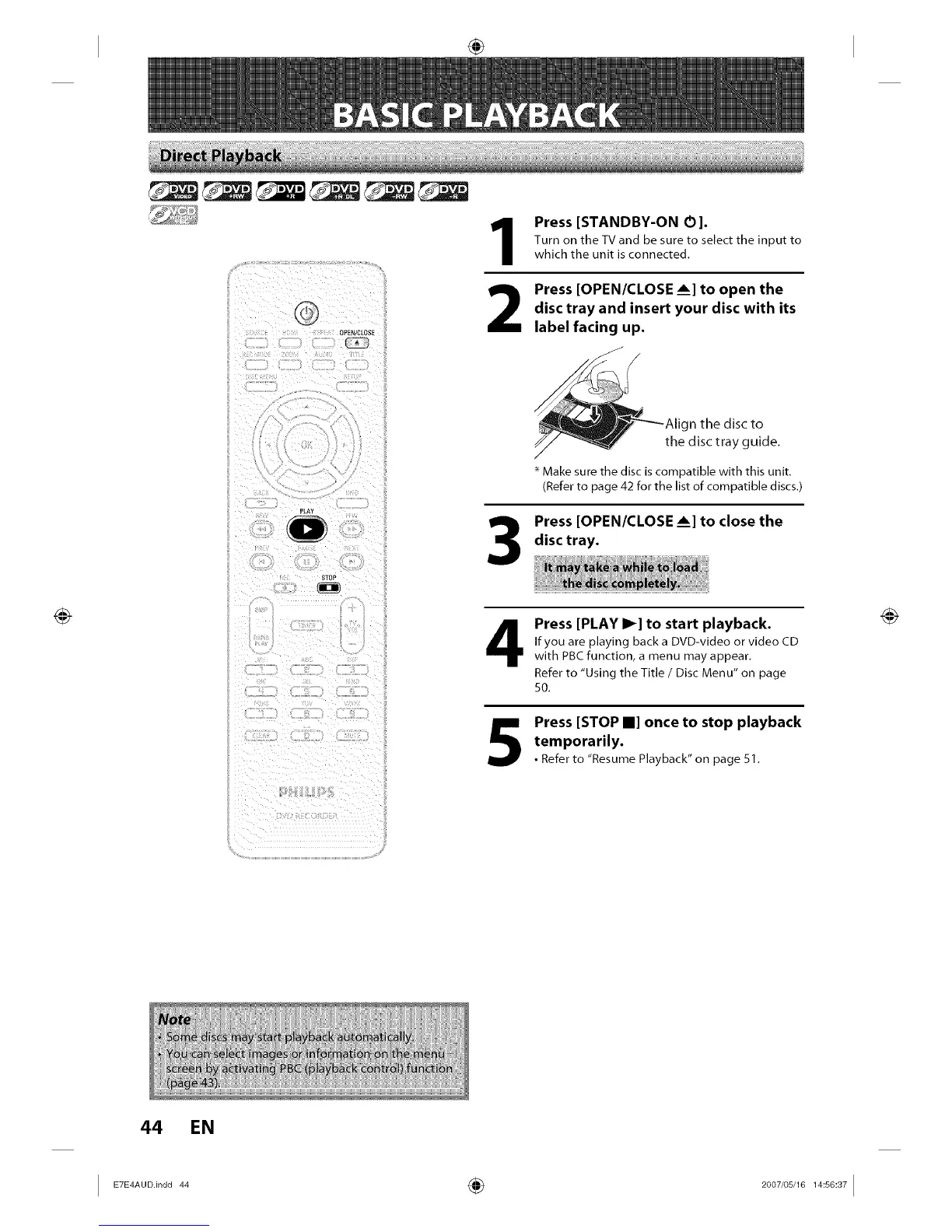
Press [STANDBY-ON 0].
Turn on the TV and be sure to select the input to
which the unit is connected.
Press [OPEN/CLOSE Am]to open the
disc tray and insert your disc with its
label facing up.
gn the disc to
the disc tray guide.
* Make sure the disc is compatible with this unit.
(Refer to page 42 for the list of compatible discs.)
Press [OPEN/CLOSE Am]to close the
disc tray.
Press [PLAY I_] to start playback.
If you are playing back a DVD-video or video CD
with PBC function, a menu may appear.
Refer to "Using the Title / Disc Menu" on page
50.
Press [STOP II] once to stop playback
temporarily.
•Refer to "Resume Playback" on page 51.
44 EN














 To Next Page