_k
BASIC PLAYBACK
i: TITLE
STOP
.@ AB£
• _L MNO
1
2
3
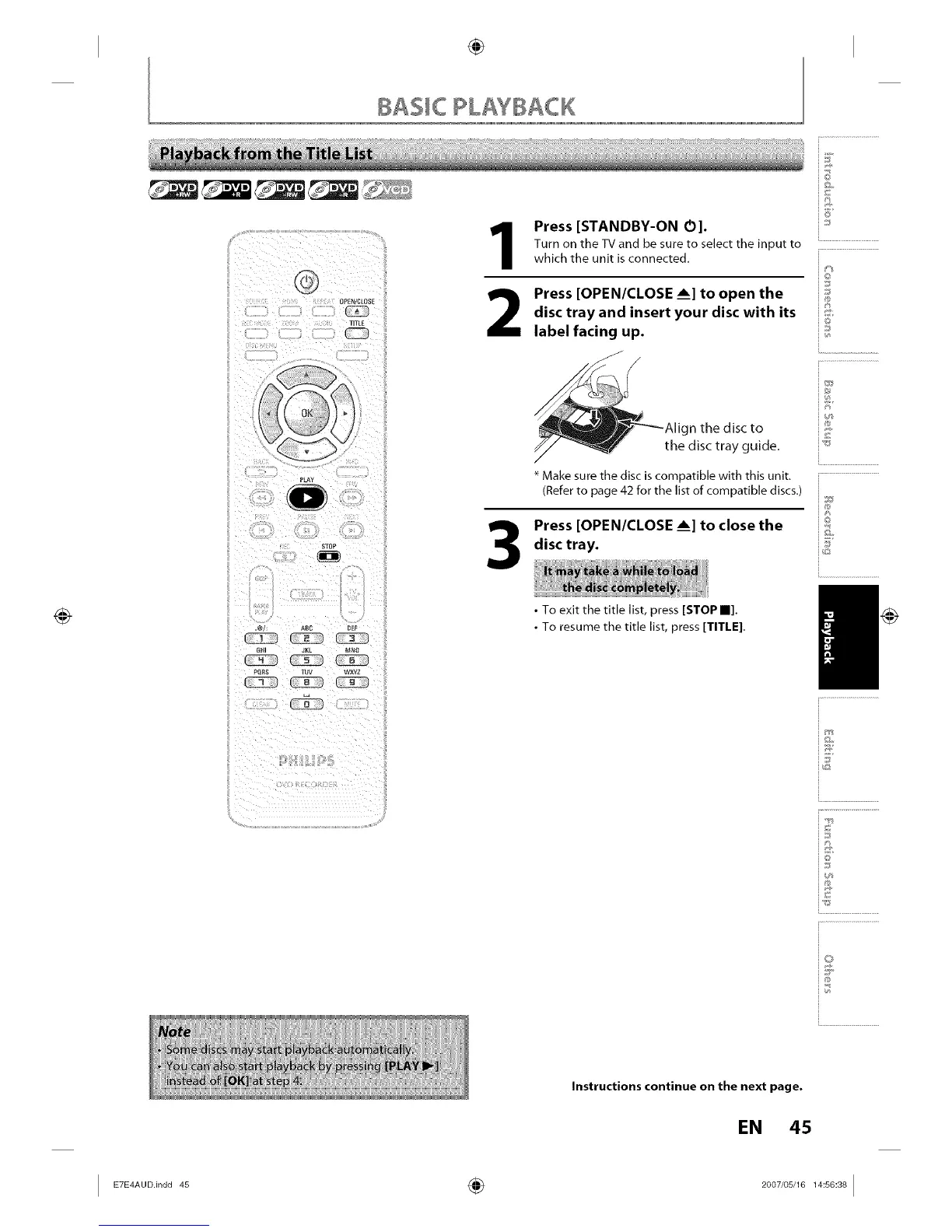
Press [STANDBY-ON O].
Turn on the TV and be sure to select the input to
which the unit is connected.
Press [OPEN/CLOSE ___]to open the
disc tray and insert your disc with its
label facing up.
__'_2 --Align the disc to
y _]ly the disc tray guide.
Make sure the disc is compatible with this unit.
(Refer to page 42 for the list of compatible discs.)
Press [OPEN/CLOSE ___]to close the
disc tray.
• To exit the title list, press [STOP II].
• To resume the title list, press [TITLE].
@
©
J
@
i.............................................
i®
J8
i@
i.............................................
Q
@
Instructions continue on the next page.
EN 45
I _AU°in°°_ ÷ _°°_'°_'__°_I














 To Next Page