i !
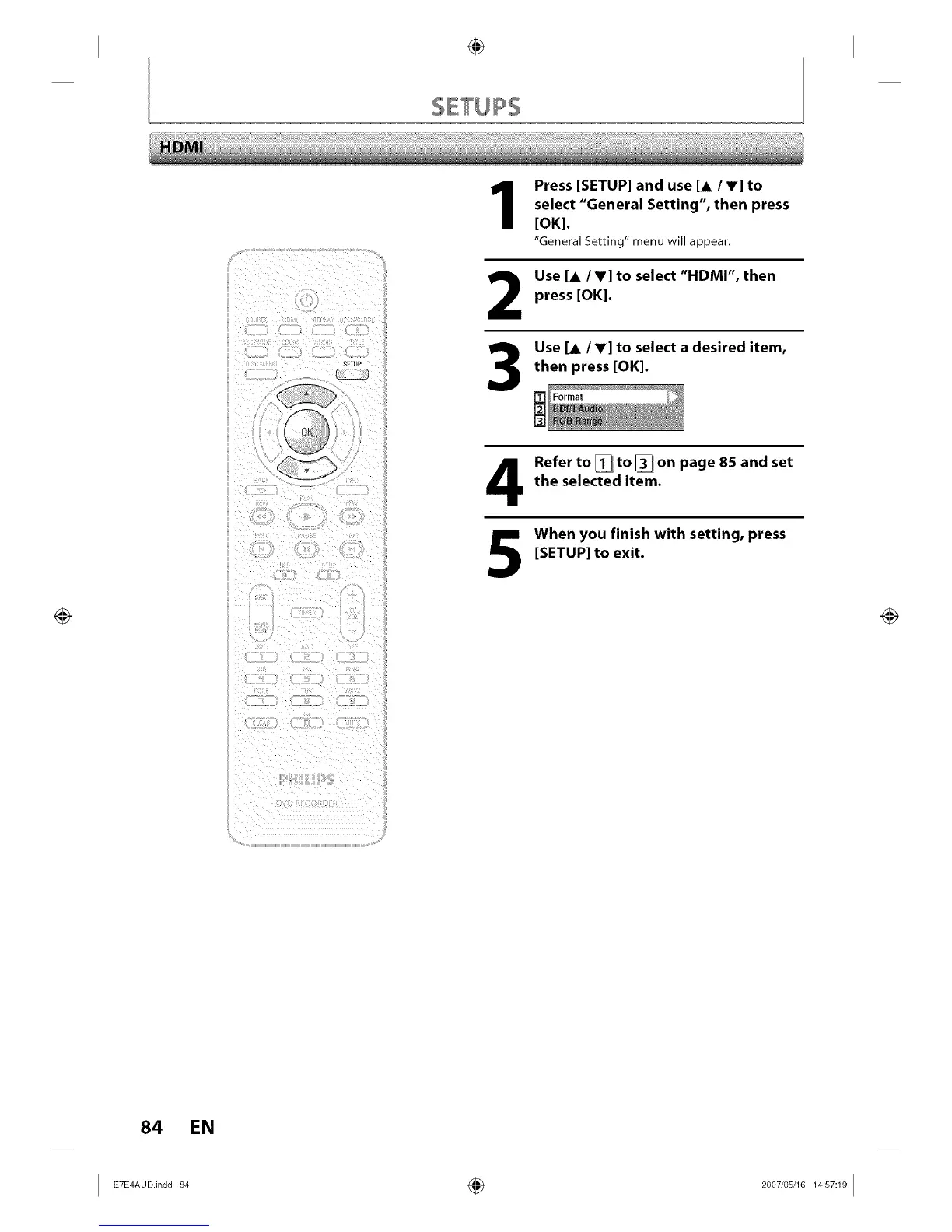
Press [SETUP] and use [A /V] to
select "General Setting", then press
[OK].
"General Setting" menu will appear.
2
3
Use [A IV] to select "HDMI", then
press [OK].
Use [A/V] to select a desired item,
then press [OK].
Format
Refer to [] to [] on page 85 and set
the selected item.
When you finish with setting, press
[SETUP] to exit.
84 EN














 To Next Page