EDITING DISCS
You can divide one title into 2 new titles.
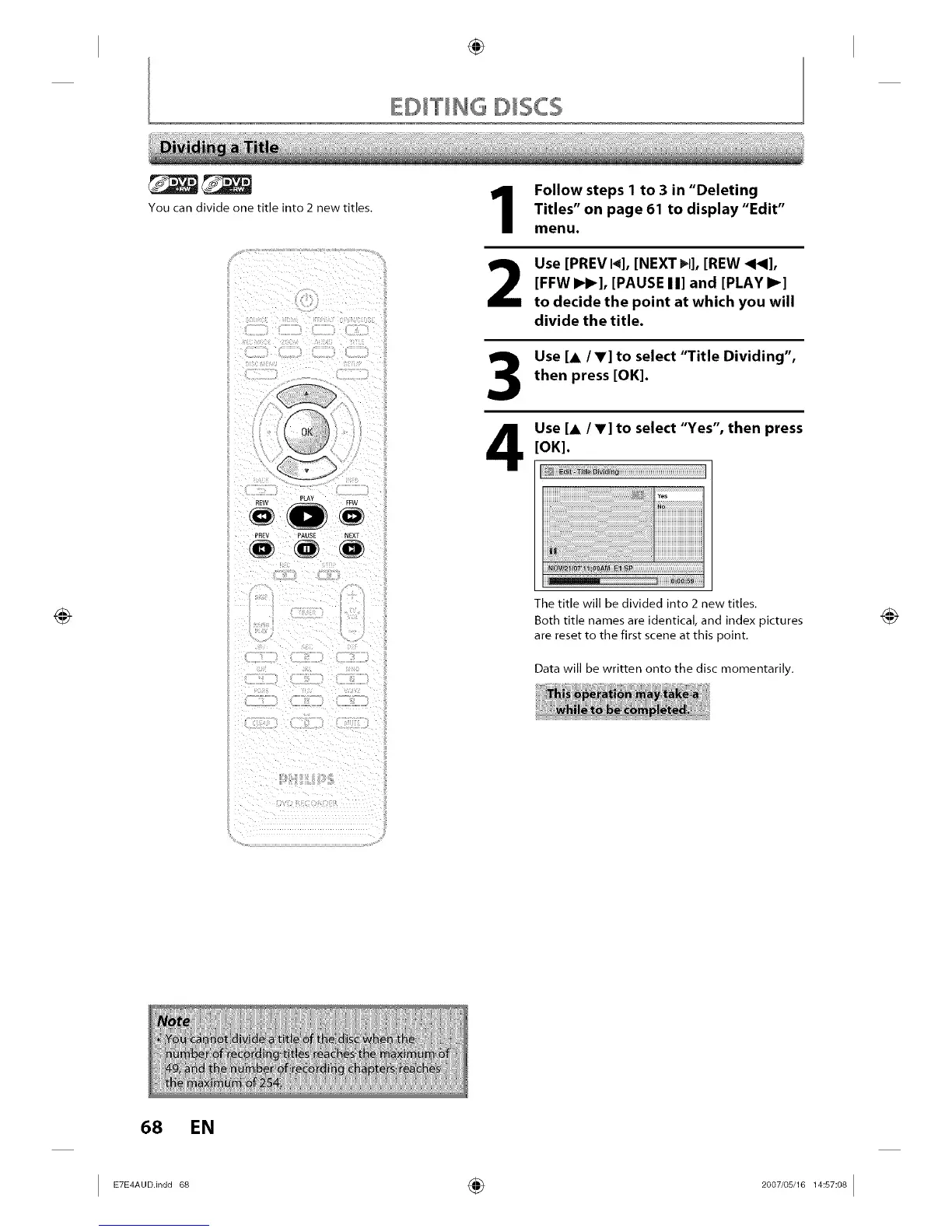
PREV PAUSE NEXT
Follow steps 1 to 3 in "Deleting
Titles" on page 61 to display "Edit"
menu.
2
Use [PREV I_], [NEXT _1], [REW _1_],
[FFW I_1_], [PAUSE I I] and [PLAY I_]
to decide the point at which you will
divide the title.
Use [A/V] to select "Title Dividing",
then press [OK].
Use [A IV] to select "Yes", then press
[OK].
The title will be divided into 2 new titles.
Both title names are identical, and index pictures
are reset to the first scene at this point.
Data will be written onto the disc momentarily.
68 EN
I ETE_A°°n°°68 ÷ 2°°7'°s__s_°_I














 To Next Page