Using [PREV 14]/ [NEXT i_l]
1)During playback, press [NEXT i_t] to skip the current
title or chapter and move to the next.
The title or chapter will move forward by one at a time.
• If there is no chapter in one title, the current title will
be skipped.
To go back to the beginning of the current title or
chapter, press [PREV I_].
Press it repeatedly to go to the previous title or
chapter. The title or chapter will move backward one
at a time.
Using [INFO]
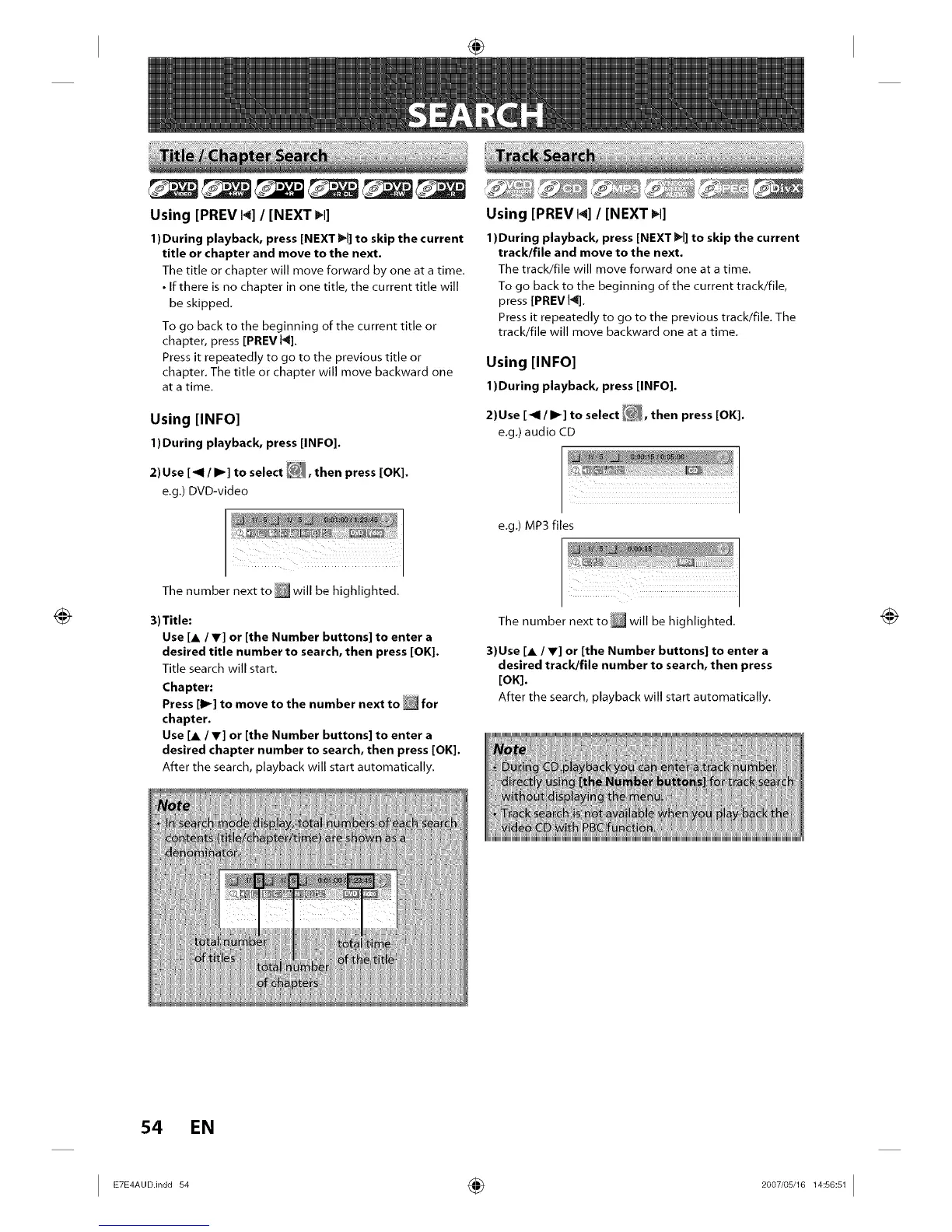
1)During playback, press [INFO].
2) Use [_1 / I_] to se ect E_, then press [OK].
e.g.) DVD-video
_ _ _7_"_ F _
Using [PREV 14]/ [NEXT _1]
1)During playback, press [NEXT I_1]to skip the current
track/file and move to the next.
The track/file will move forward one at a time.
To go back to the beginning of the current track/file,
press [PREV 14].
Press it repeatedly to go to the previous track/file. The
track/file will move backward one at a time.
Using [INFO]
1)During playback, press [INFO].
2)Use [_ql/ I_] to se ect _, then press [OK].
e.g.) audio CD
e.g.) MP3 files
The number next to,will be highlighted.
3)Title:
Use [A / V] or [the Number buttons] to enter a
desired title number to search, then press [OK].
Title search will start.
Chapter:
Press [1_] to move to the number next to _ for
chapter.
Use [A / V] or [the Number buttons] to enter a
desired chapter number to search, then press [OK].
After the search, playback will start automatically.
The number next to _ will be highlighted.
3)Use [A / V] or [the Number buttons] to enter a
desired track/file number to search, then press
[OK].
After the search, playback will start automatically.
54 EN
I ÷ I














 To Next Page