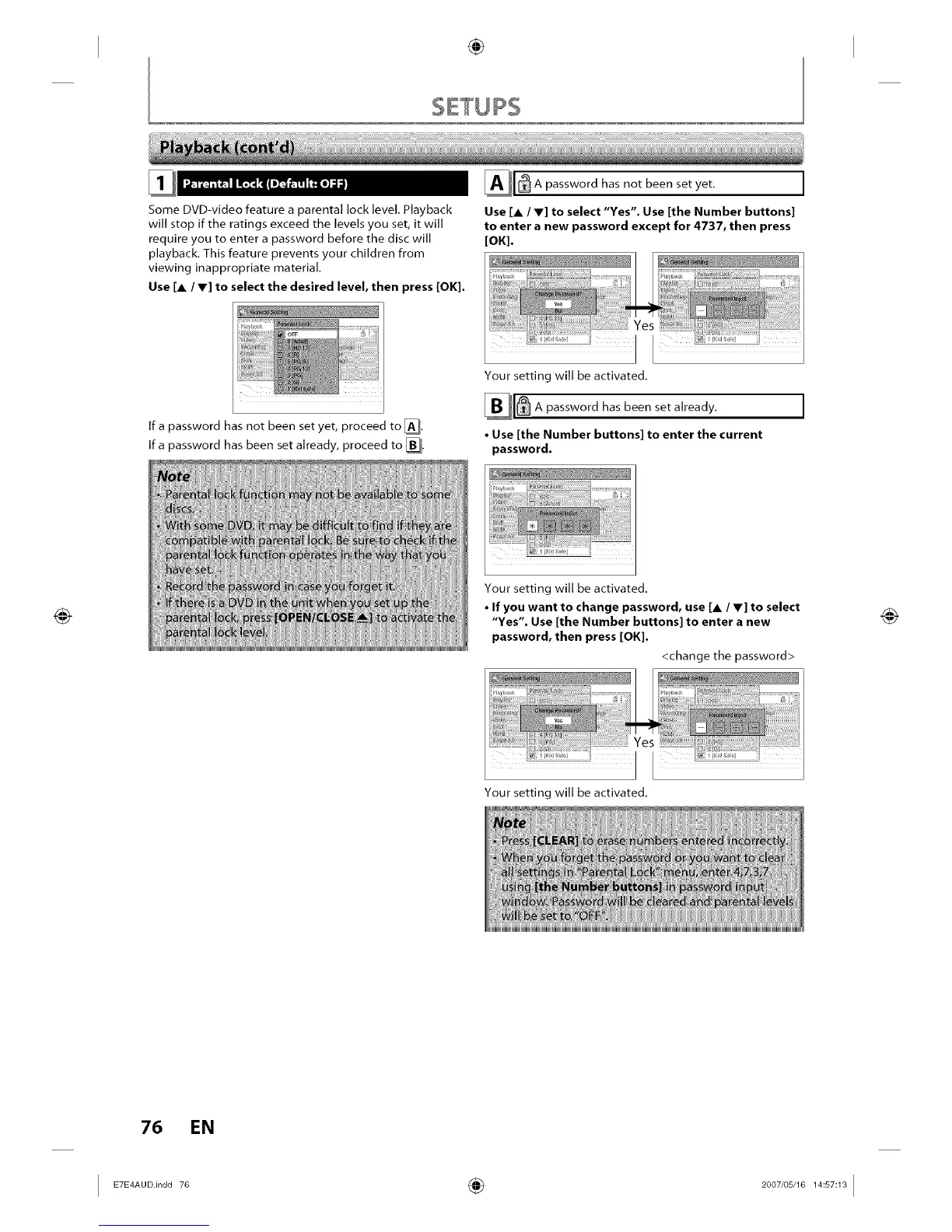
Some DVD-video feature a parental lock level. Playback
will stop if the ratings exceed the levels you set, it will
require you to enter a password before the disc will
playback. This feature prevents your children from
viewing inappropriate material.
Use [A / V] to select the desired level, then press [OK].
If a password has not been set yet, proceed to [].
Ifa password has been set already, proceed to [].
_1 _ A password not set yet.
has been
Use [A / V] to select "Yes". Use [the Number buttons]
to enter a new password except for 4737, then press
[OK].
,.......................................... r'e_
; i
: {
I sa_,? i
Your setting will be activated.
password has been set already.
• Use [the Number buttons] to enter the current
password.
_ ........ .
ilii iii !i
Your setting will be activated.
• If you want to change password, use [_ / V] to select
"Yes". Use [the Number buttons] to enter a new
password, then press [OK].
_rb_";;;;;; ;;......................
.................. _ ............ ........ r'e_
<change the password>
Your setting will be activated.
76 EN
I ÷ I














 To Next Page