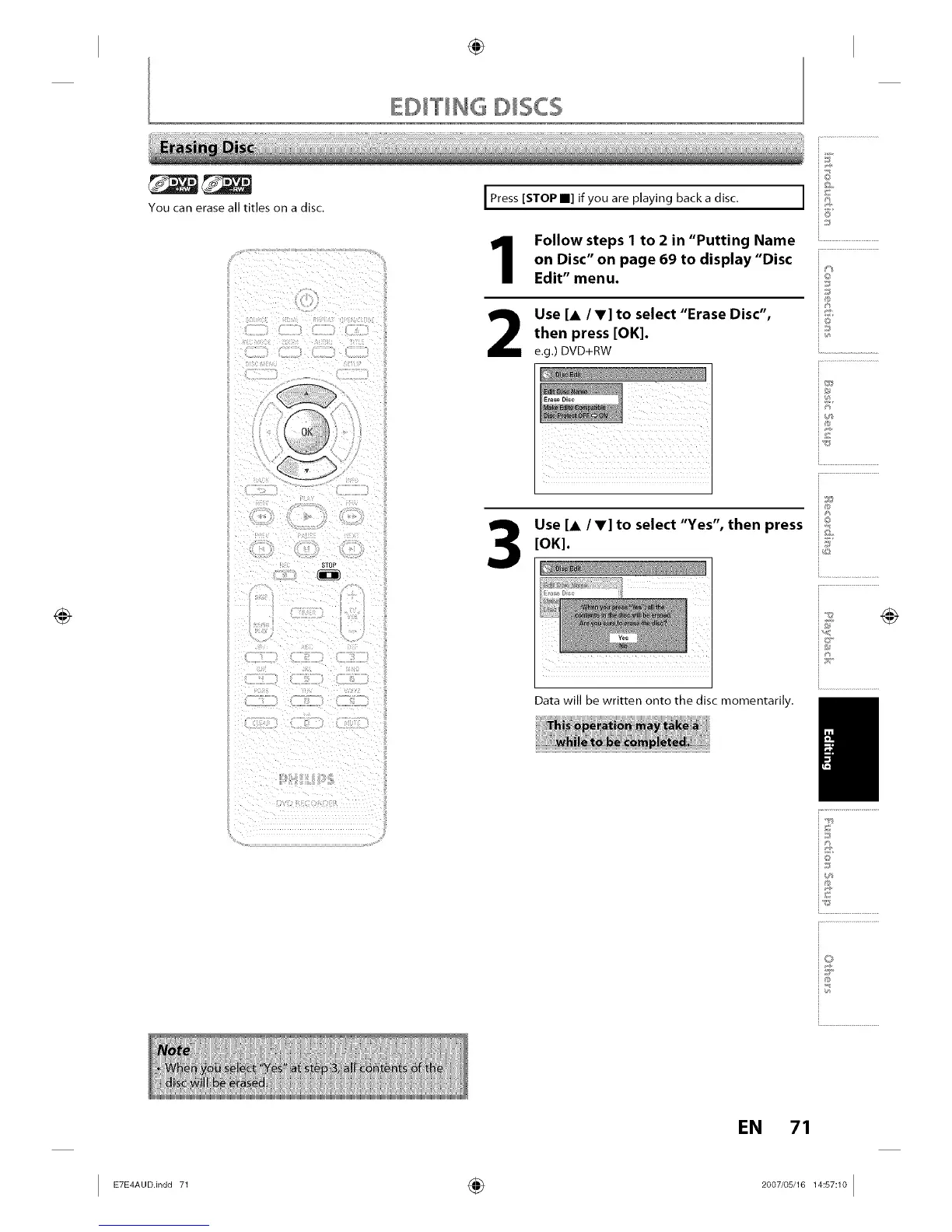
You can erase all titles on a disc.
I Press [STOP m] if you are playing back a disc.
Follow steps 1 to 2 in "Putting Name
on Disc" on page 69 to display "Disc
Edit" menu.
Use [A IV] to select "Erase Disc",
then press [OK].
e.g.) DVD+RW
STOP
Use [A IV] to select "Yes", then press
[OK].
Data will be written onto the disc momentarily.
@
I °
8_
io
_J
i®
5£
in"
i%
iT
i®
_F
_E
i.............................................
i£
i©
is
_s
i...........................
@
EN 71
I _°°.in°°_ ÷ _°°_,°s,__:s_:_°I














 To Next Page