EDiTiNG D $C$
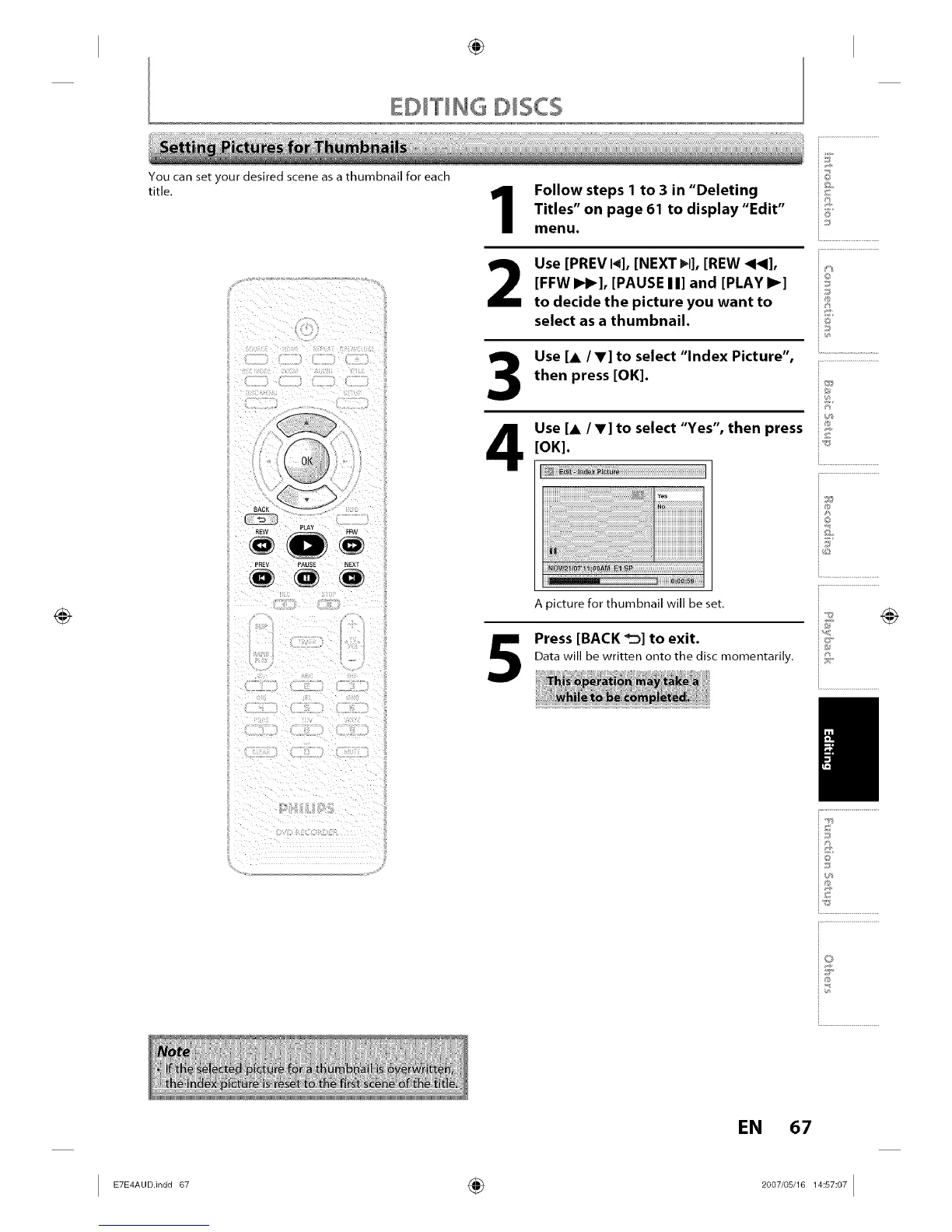
You can set your desired scene as a thumbnail for each
title.
(_(_(_PREV PAUSE NEXT
Follow steps 1 to 3 in "Deleting
Titles" on page 61 to display "Edit"
menu.
2
Use [PREV I_], [NEXT _1], [REW 4_],
[FFW I_1_], [PAUSE I I] and [PLAY I_]
to decide the picture you want to
select as a thumbnail.
Use [A IV] to select "Index Picture",
then press [OK].
Use [A IV] to select "Yes", then press
[OK].
5
iK
_©
6_
io
iJ
i.............................................
i®
i®
io
A picture for thumbnail will be set.
Press [BACK _1 to exit. _
Data will be written onto the disc rnornentarily. "
_E
i.............................................
i Z
io
i...........................
EN 67














 To Next Page