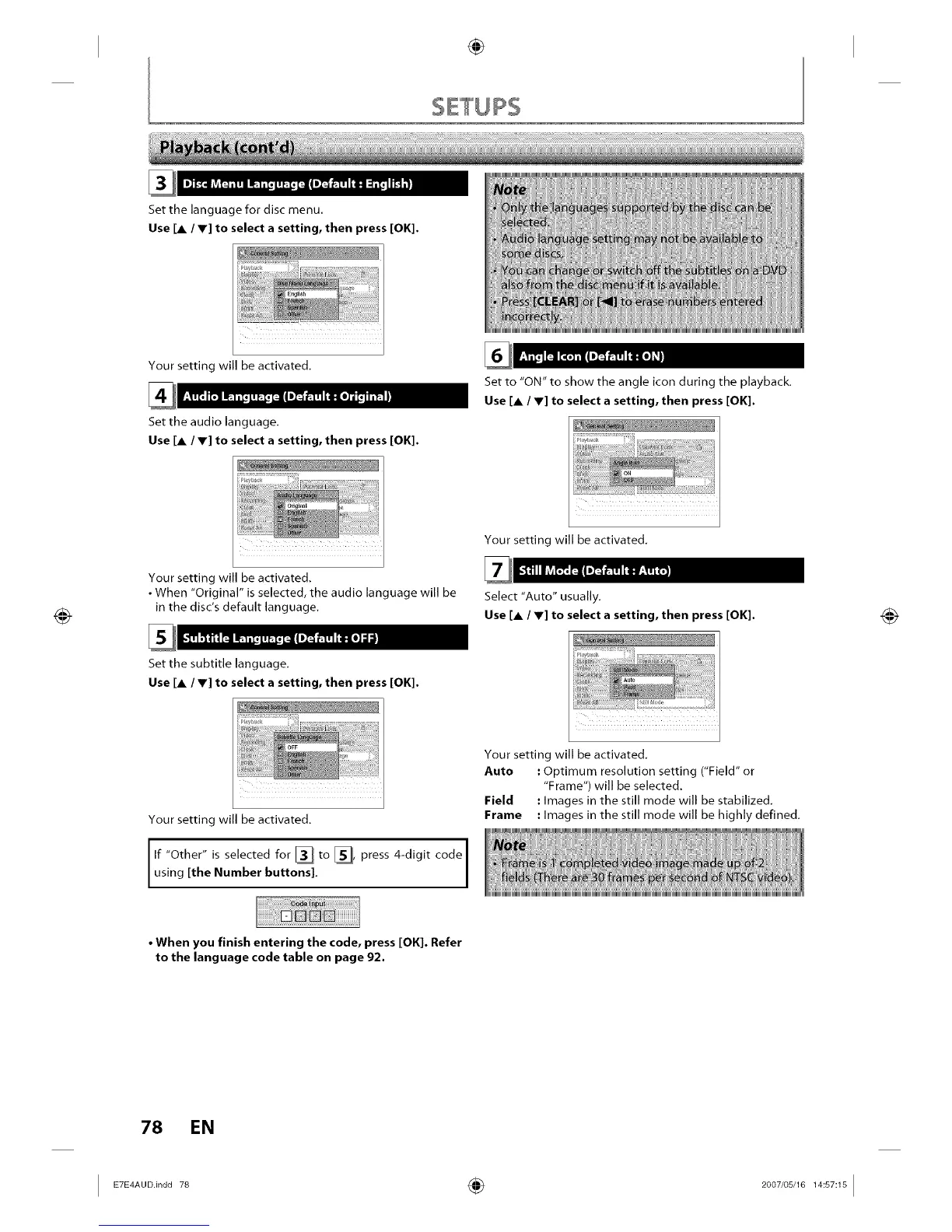
Set the language for disc menu,
Use [A / V] to select a setting, then press [OK].
Your setting will be activated.
Set the audio language.
Use [A / V] to select a setting, then press [OK].
]_llnn
Your setting will be activated.
•When "Original" is selected, the audio language will be
in the disc's default language.
Set the subtitle language.
Use [A / V] to select a setting, then press [OK].
Your setting will be activated.
If "Other" is selected for [] to _ press 4-digit code
us ng [the Number buttons].
Set to "ON" to show the angle icon during the playback.
Use [A / V] to select a setting, then press [OK].
Your setting will be activated.
Select "Auto" usually.
Use [A / V] to select a setting, then press [OK].
Your setting will be activated.
Auto : Optimum resolution setting ("Field" or
"Frame") will be selected.
Field : Images in the still mode will be stabilized.
Frame : Images in the still mode will be highly defined.
• When you finish entering the code, press [OK]. Refer
to the language code table on page 92.
78 EN














 To Next Page