You can overwrite the existing title from the beginning.
1) Press [STANDBY-ON O].
Make sure that the TV input is set on the unit.
2) Load the disc that includes a title to be overwritten.
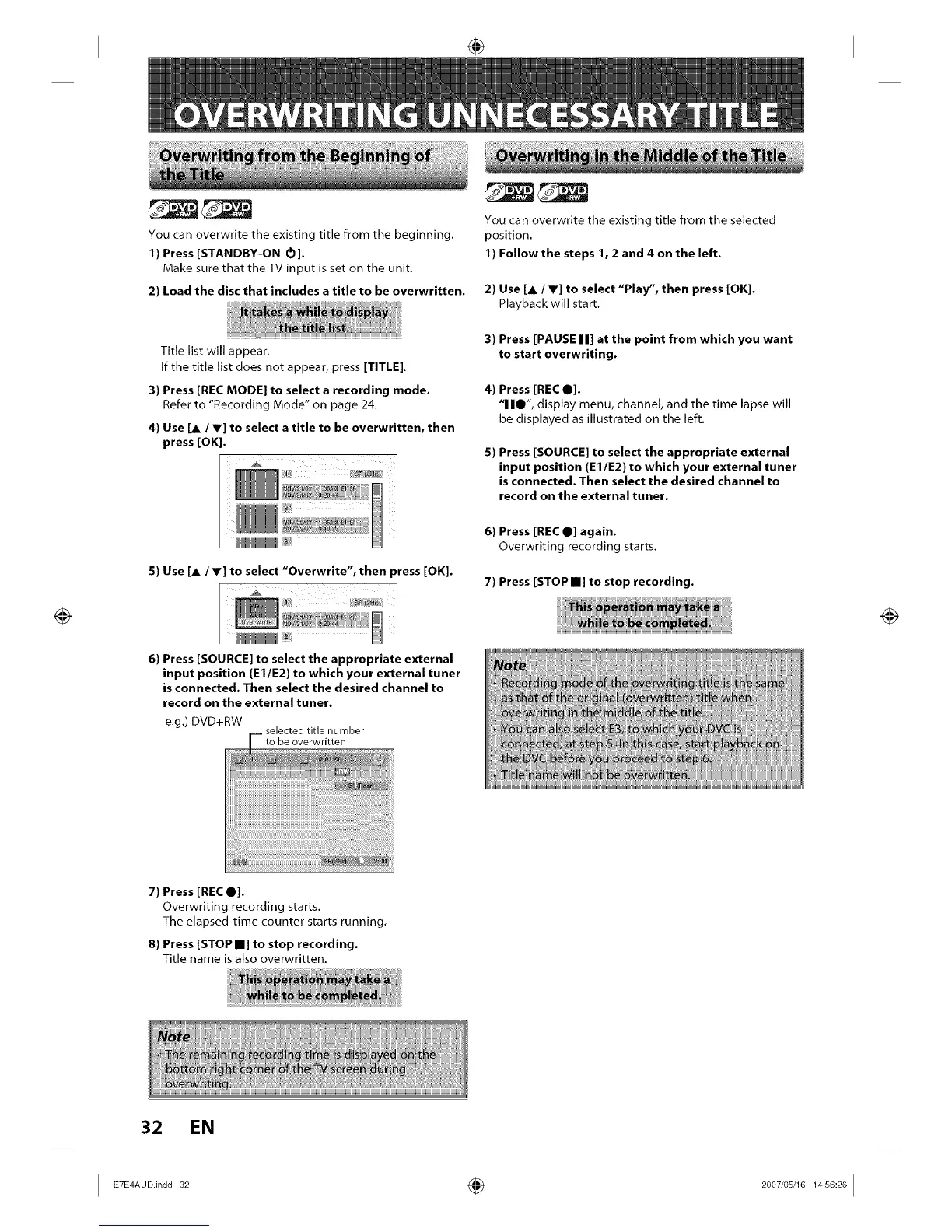
Title list will appear.
If the title list does not appear, press [TITLE].
3) Press [REC MODE] to select a recording mode.
Refer to "Recording Mode" on page 24.
4) Use [A / Y] to select a title to be overwritten, then
press [OK].
5) Use [A / V] to select "Overwrite", then press [OK].
6) Press [SOURCE] to select the appropriate external
input position (El/E2) to which your external tuner
is connected. Then select the desired channel to
record on the external tuner.
e.g.) DVD+RW
selected title number
to be overwritten
You can overwrite the existing title from the selected
position.
1) Follow the steps 1, 2 and 4 on the left.
2) Use [A / V] to select "Play", then press [OK].
Playback will start.
3) Press [PAUSE I I] at the point from which you want
to start overwriting.
4) Press [REC 0].
"1 II1", display menu, channel, and the time lapse will
be displayed as illustrated on the left.
5) Press [SOURCE] to select the appropriate external
input position (El/E2) to which your external tuner
is connected. Then select the desired channel to
record on the external tuner.
6) Press [REC 0] again.
Overwriting recording starts.
7) Press [STOP I] to stop recording.
iininininin
7) Press [REC 0].
Overwriting recording starts.
The elapsed-time counter starts running,
8) Press [STOP I] to stop recording.
Title name is also overwritten.
32 EN
I ETE A°°i'°°" ÷ '°°"°s'161 s°'61














 To Next Page