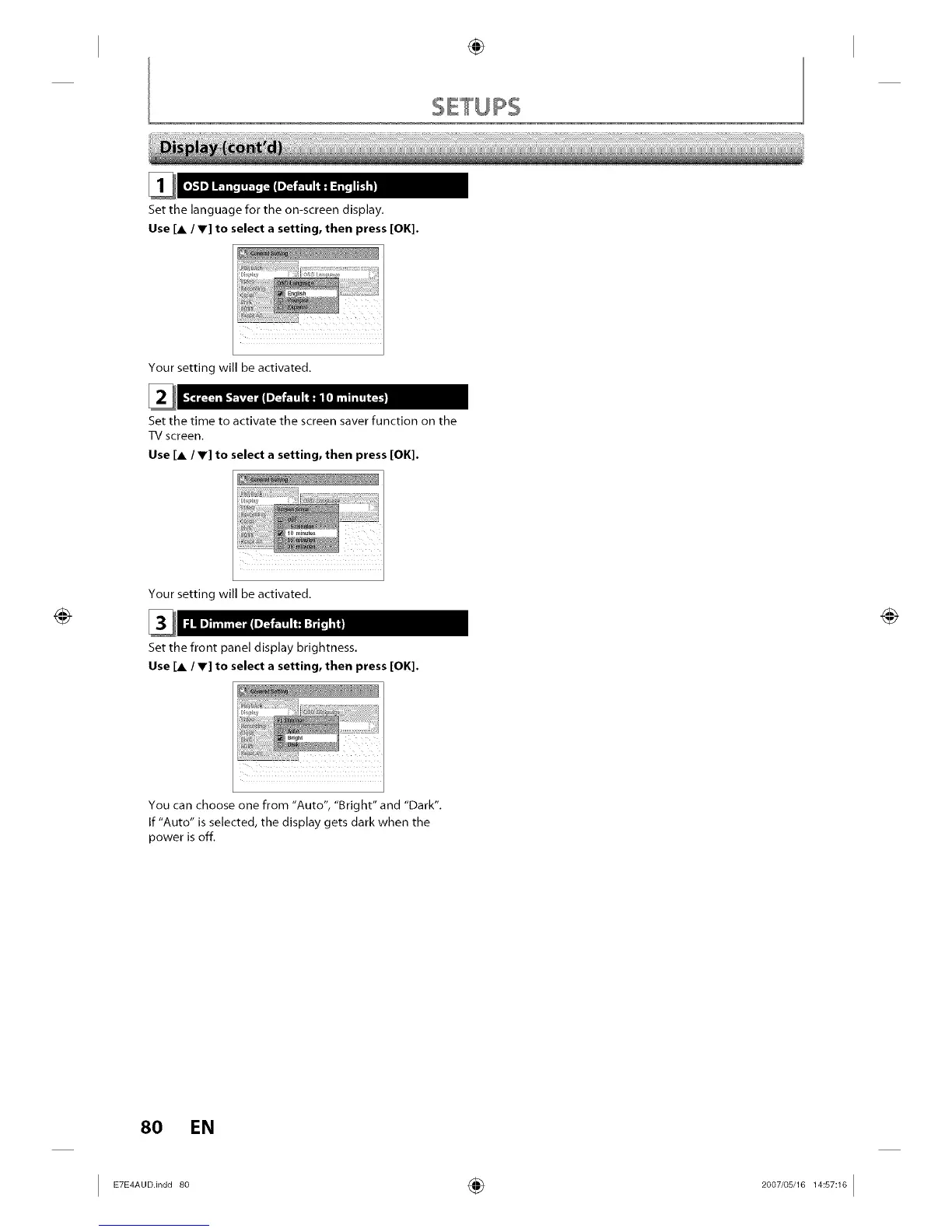
Set the language for the on-screen display.
Use [A / V] to select a setting, then press [OK].
Your setting will be activated.
Set the time to activate the screen saver function on the
TV screen.
Use [A / V] to select a setting, then press [OK].
Your setting will be activated.
Set the front panel display brightness.
Use [A / V] to select a setting, then press [OK].
You can choose one from "Auto", "Bright" and "Dark".
If "Auto" is selected, the display gets clark when the
power is off.
80 EN
I ETE_A°°.'n°°8° ÷ 2°°7'°sJ181_:s_:1°I














 To Next Page