EDITING DISCS
You can put chapter marks in each title. Once a chapter is
marked, you can use it for the chapter search feature.
Follow steps 1 to 3 in "Deleting
Titles" on page 61 to display "Edit"
menu.
Use [A IT] to select "Chapter Mark",
then press [OK].
Submenu will appear.
3
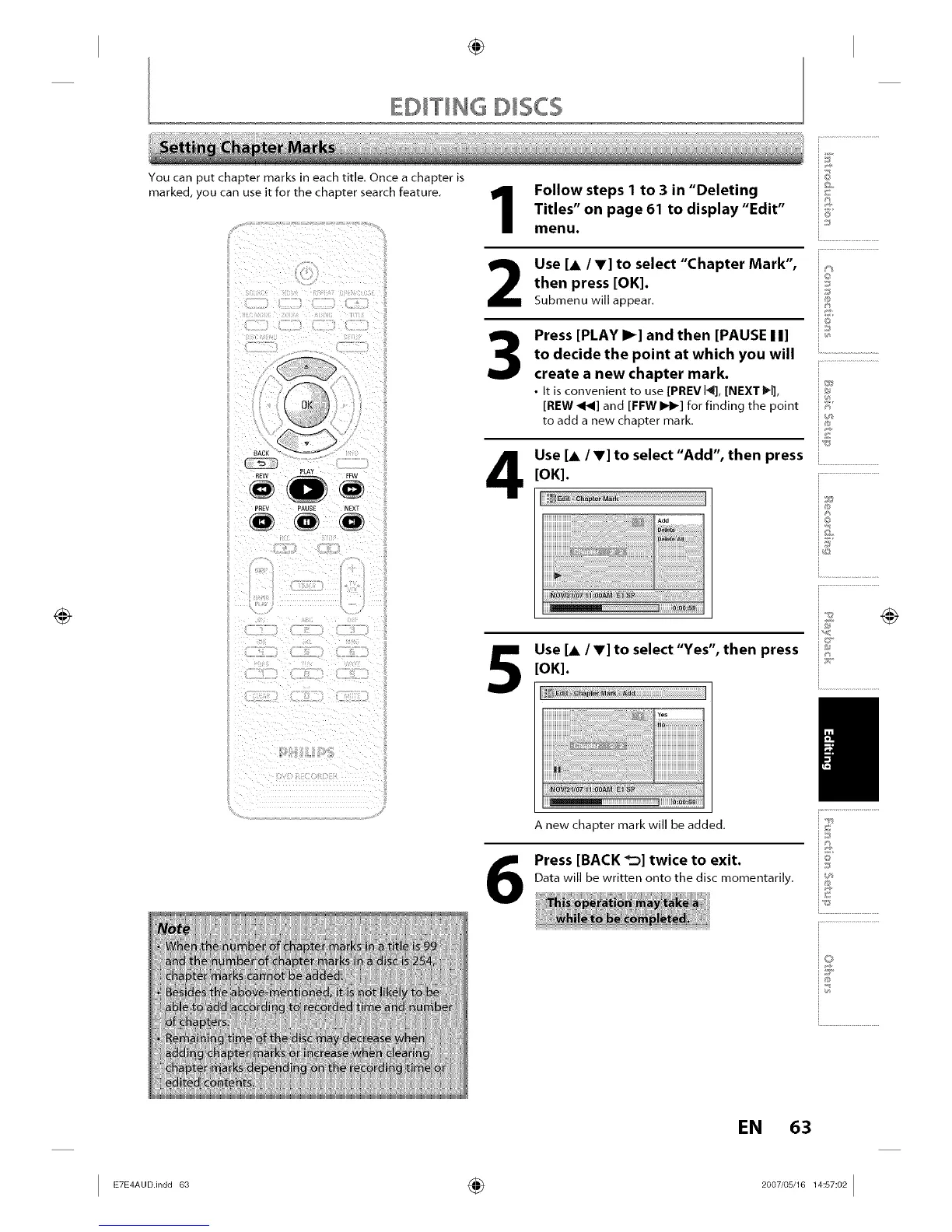
Press [PLAY I_] and then [PAUSE II]
to decide the point at which you will
create a new chapter mark.
• It is convenient to use [PREVI4], [NEXT I_l],
[REW _1_1]and [FFW IIH_] for finding the point
to add a new chapter mark.
Use [A IV] to select "Add", then press
[OK].
Use [A IT] to select"Yes", then press
[OK].
6
A new chapter mark will be added,
Press [BACK _] twice to exit.
Data will be written onto the disc momentarily.
_©
6_
_J
Z...........................
i®
i©
_E
i.............................................
i Z
i...........................
EN 63














 To Next Page