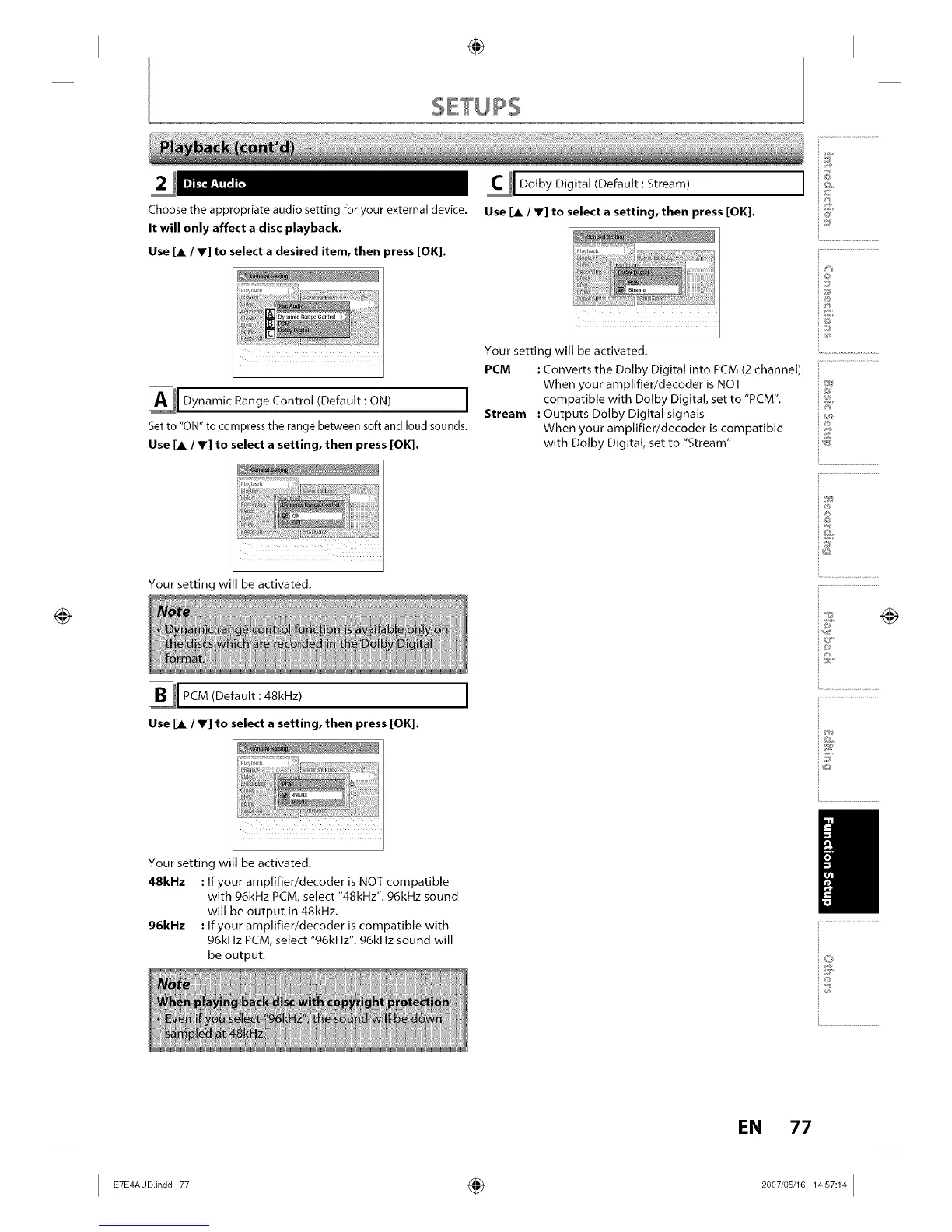
Choose the appropriate audio setting for your external device.
It will only affect a disc playback.
Use [A / Y] to select a desired item, then _ress [OK].
_1 Dynamic Range Control (Default: ON) I
Set to "ON" to compress the range between soft and loud sounds.
Use [A / V] to select a setting, then press [OK].
Your setting will be activated,
PCM (Default :48kHz)
Use [A / V] to select a setting, then press [OK].
I
Your setting will be activated,
48kl-lz • If your amplifier/decoder is NOT compatible
with 96kHz PCM, select "48kHz", g6kHz sound
will be output in 48kHz,
96kHz • If your amplifier/decoder is compatible with
96kHz PCM, select "96kHz", g6kHz sound will
be output.
Dolby Digital (Default : Stream)
Use [A / V] to select a setting, then press [OK].
Your setting will be activated,
PCM : Converts the Dolby Digital into PCM (2 channel),
When your amplifier/decoder is NOT
compatible with Dolby Digital, set to "PCM",
Stream • Outputs Dolby Digital signals
When your amplifier/decoder is compatible
with Dolby Digital, set to "Stream".
i6'
io
iJ
i®
in
i®
io
ij
EN 77














 To Next Page