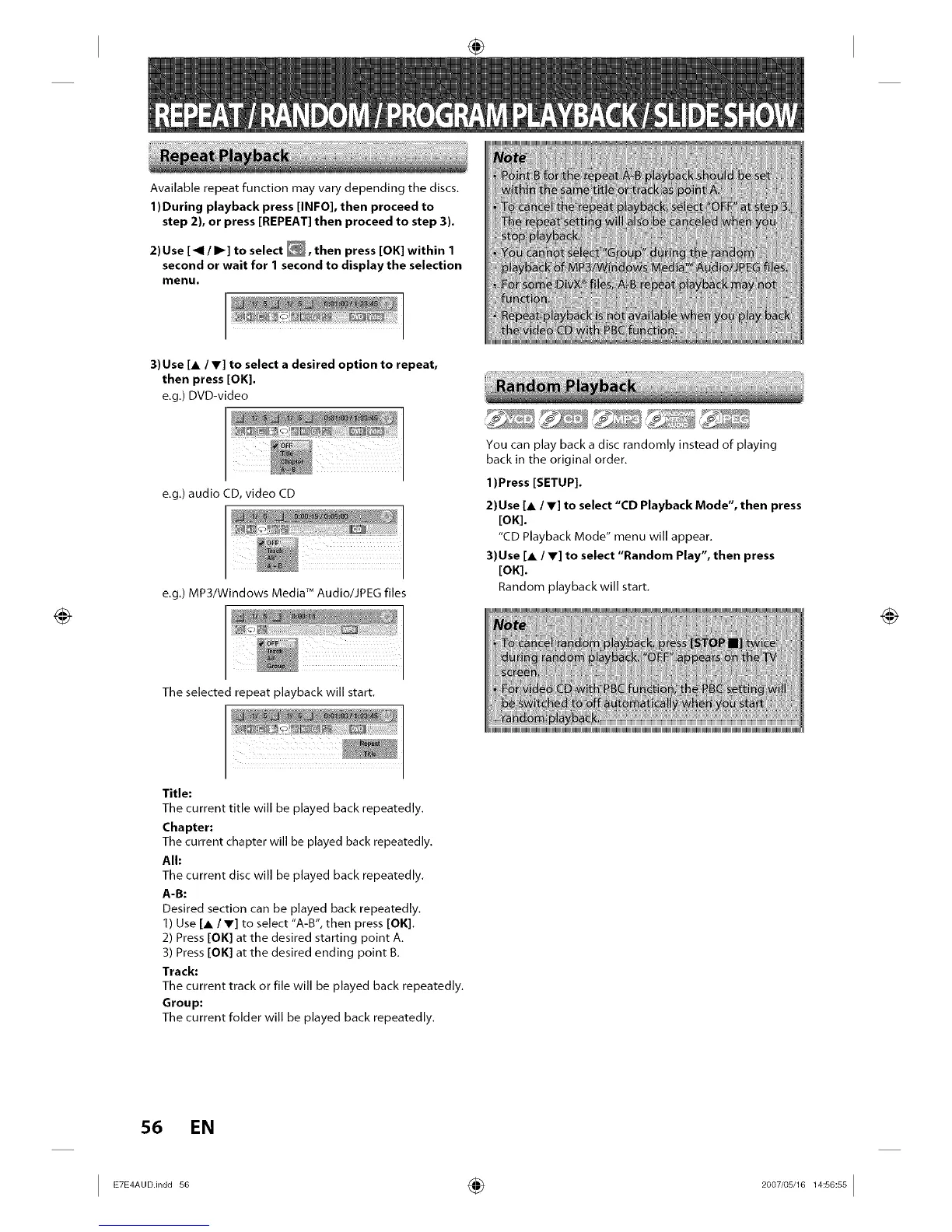
Available repeat function may vary depending the discs.
1)During playback press [INFO], then proceed to
step 2), or press [REPEAT] then proceed to step 3).
2) Use [_1 / I1_] to select _, then press [OK] within 1
second or wait for 1 second to display the selection
menu.
3) Use [A / V] to select a desired option to repeat,
then press [OK].
e.g.) DVD-video
e.g.) audio CD, video CD
e.g.) MP3/Windows Media TMAudio/JPEG files
The selected repeat playback will start.
You can play back a disc randomly instead of playing
back in the original order.
1)Press [SETUP].
2)Use [A / V] to select "CD Playback Mode", then press
[OK].
"CD Playback Mode" menu will appear.
3)Use [A / V] to select "Random Play", then press
[OK].
Random playback will start.
Title:
The current title will be played back repeatedly.
Chapter:
The current chapter will be played back repeatedly.
All:
The current disc will be played back repeatedly.
A-B:
Desired section can be played back repeatedly.
1) Use [A/V] to select "A-B", then press [OK].
2) Press [OK] at the desired starting point A.
3) Press [OK] at the desired ending point B.
Track:
The current track or file will be played back repeatedly.
Group:
The current folder will be played back repeatedly.
56 EN
I ETE A00.in00 ÷ 2007'0 J1 I














 To Next Page