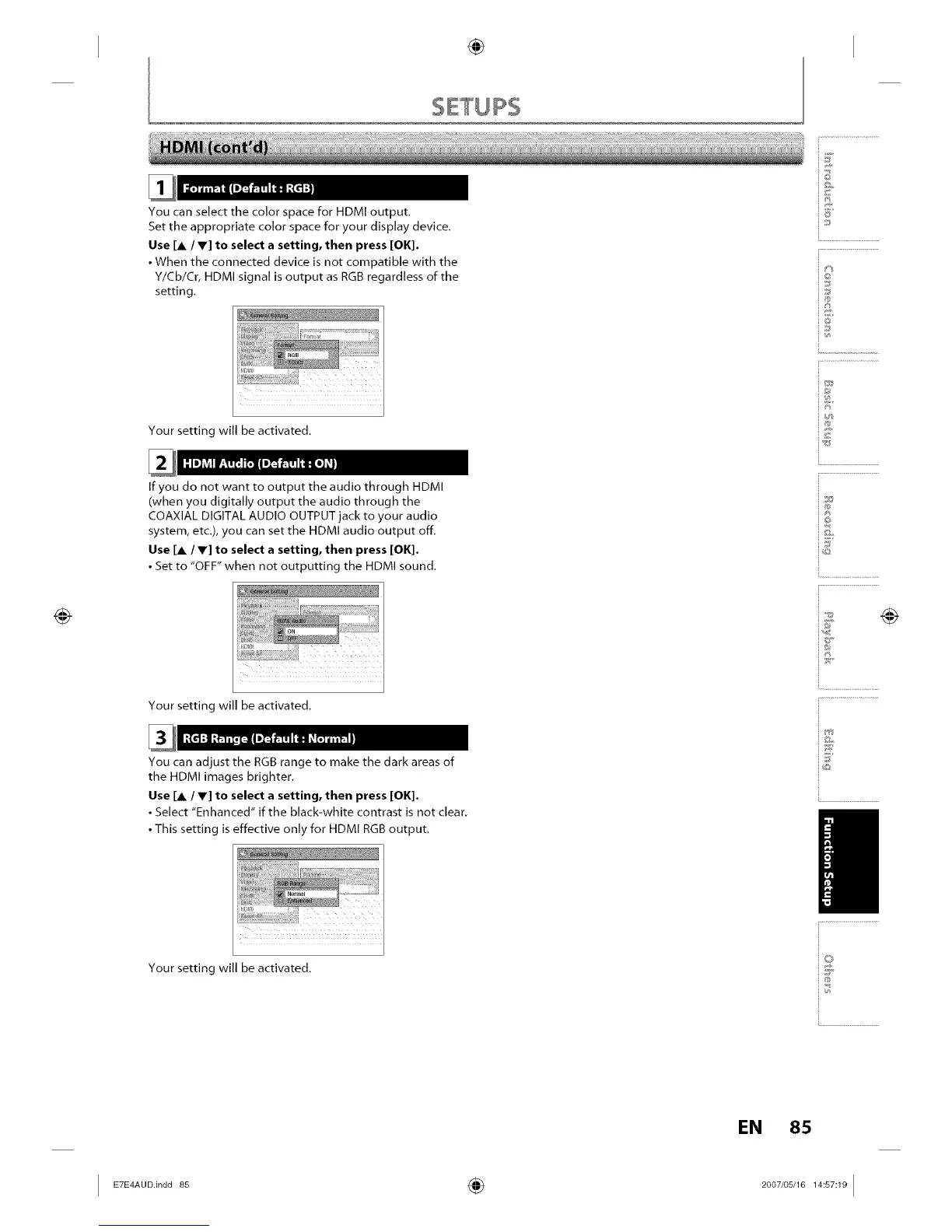
You can select the color space for HDMI output.
Set the appropriate color space for your display device.
Use [A / T] to select a setting, then press [OK].
• When the connected device is not compatible with the
Y/Cb/Cr, HDMI signal is output as RGB regardless of the
setting.
Your setting will be activated.
If you do not want to output the audio through HDMI
(when you digitally output the audio through the
COAXIAL DIGITAL AUDIO OUTPUT jack to your audio
system, etc.), you can set the HDMI audio output off.
Use [A / V] to select a setting, then press [OK].
• Set to "OFF" when not outputting the HDMI sound.
Your setting will be activated.
You can adjust the RGB range to make the dark areas of
the HDMI images brighter.
Use [A / V] to select a setting, then press [OK].
• Select "Enhanced" if the black-white contrast is not clear.
• This setting is effective only for HDMI RGB output.
Your setting will be activated.
@
i6'
io
iJ
i®
i®
io
ij
EN 85
I ÷ I














 To Next Page