STOP
I Press [STOP m] if you are playing back a disc,
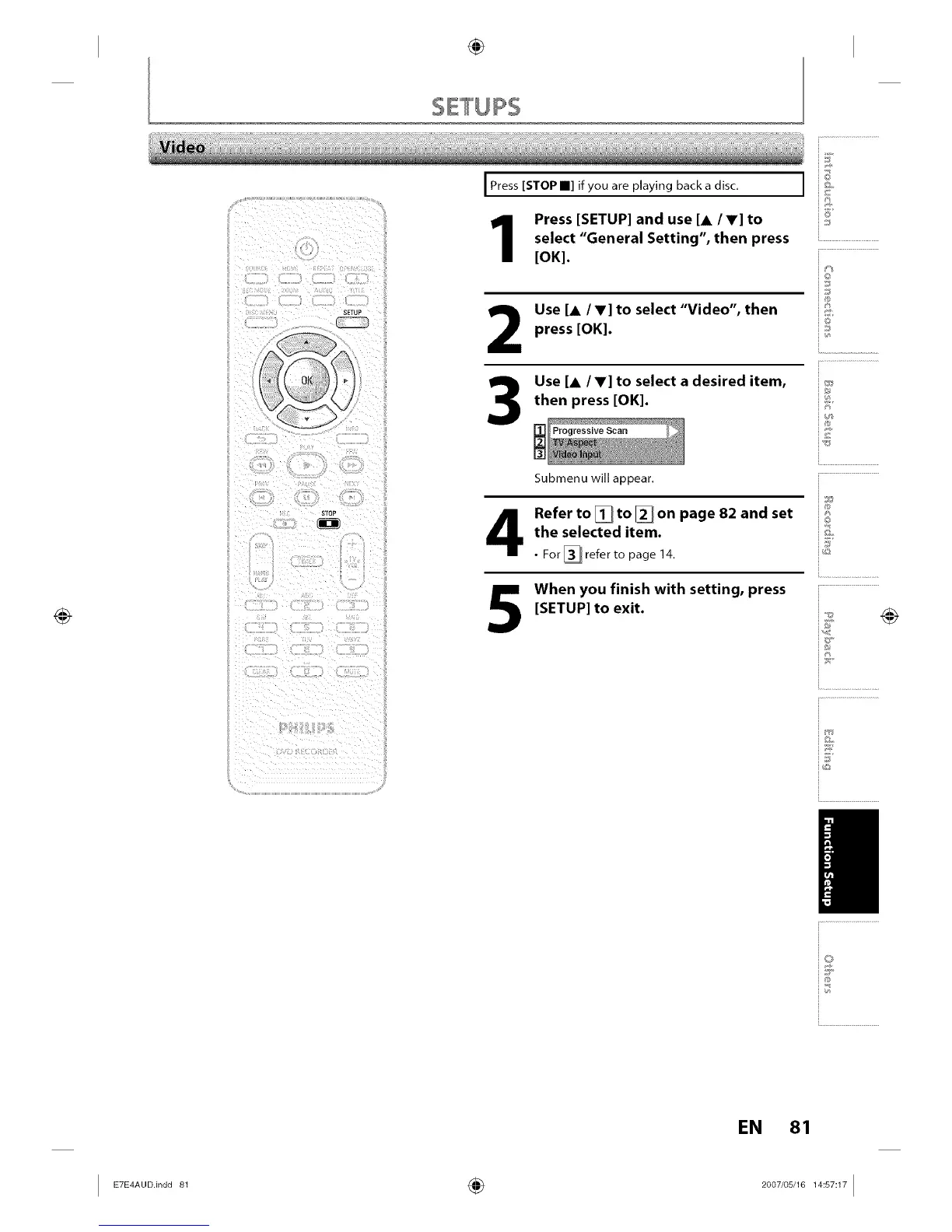
Press [SETUP] and use [A /V] to
select "General Setting", then press
[OK].
2
3
Use [A /V] to select "Video", then
press [OK].
Use [A/V] to select a desired item,
then press [OK].
Progressive Scan
Submenu will appear.
©
J
@
Refer to [] to [] on page 82 and set ;;_;_
the selected item.
For _[_1 refer to page 14,
0
When you finish with setting, press
[SETUP] to exit.
iv
ij
/
EN 81
I E_E_°°.in°°_ ÷ _°°_'°s'__s_I














 To Next Page