To prevent accidental editing, or erasing the titles, you
can protect them.
1
2
Follow steps 1 to 2 in "Putting Name
on Disc" on page 69 to display "Disc
Edit" menu.
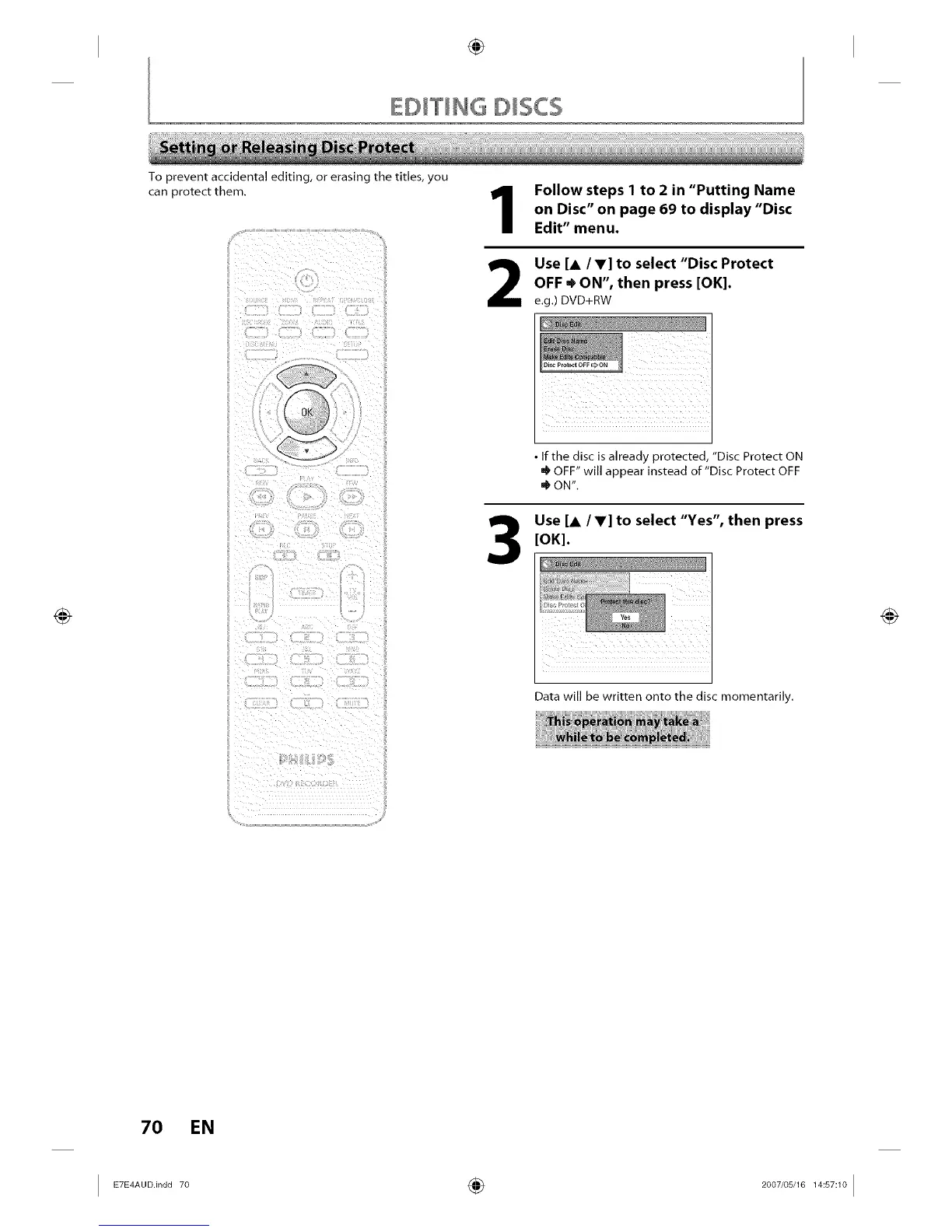
Use [A /V] to select "Disc Protect
OFF • ON", then press [OK].
e.g.) DVD+RW
Disc Protect OFF c_ ON
• If the disc is already protected, "Disc Protect ON
OFF" will appear instead of "Disc Protect OFF
• ON".
Use [A IV] to select "Yes", then press
[OK].
Data will be written onto the disc momentarily.
70 EN
I ETE_A°°n°°7° ÷ 2°°7'°sJ161_s_1°I














 To Next Page