_k
/
REPEAT/ RANDOM / PROGRAM PLAYtACH / $U©E SH©W/
You can program the disc to play back in your desired
order,
1)Press [SETUP].
2) Use [A / V] to select "CD Playback Mode", then press
[OK].
"CD Playback Mode" menu will appear.
3) Use [A / Y] to select "Program Play", then press
[OK].
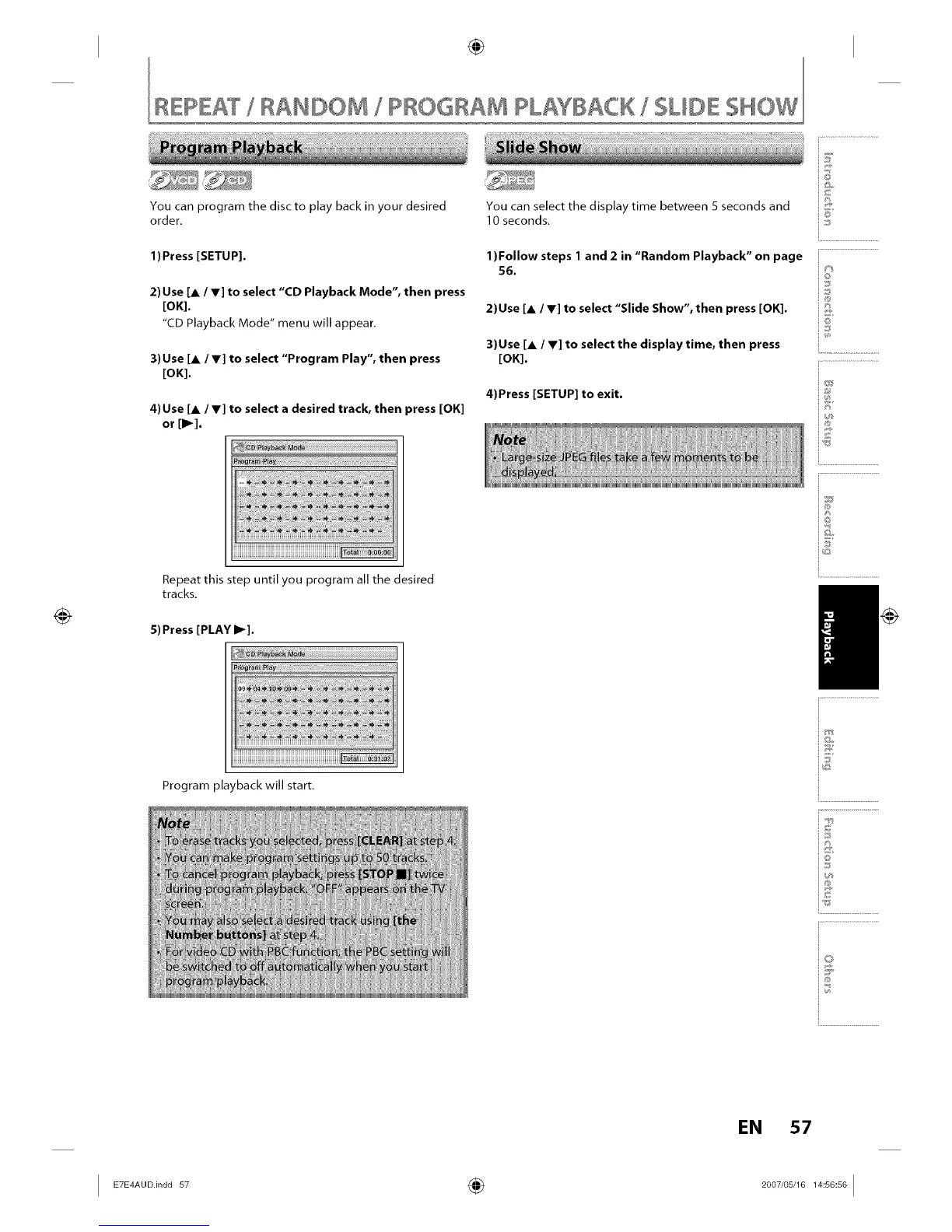
4) Use [A / V] to select a desired track, then press [OK]
or [1_].
You can select the display time between 5 seconds and
10 seconds.
1)Follow steps 1 and 2 in "Random Playback" on page
56.
2)Use [A /V] to select "Slide Show", then press [OK].
3)Use [A / V] to select the display time, then press
[OK].
4)Press [SETUP] to exit.
©
©
i%
Repeat this step until you program all the desired
tracks,
5) Press [PLAY I1_].
i®
i©
/
Program playback will start,
Vo
T,_ >g:,
_dt art
N/ to
F_C W
D( tO
i.............................................
i©
i...........................
EN 57
I _-_°°.in°°s_ ÷ _°°_,°s__s°_s°I














 To Next Page