I
'i!
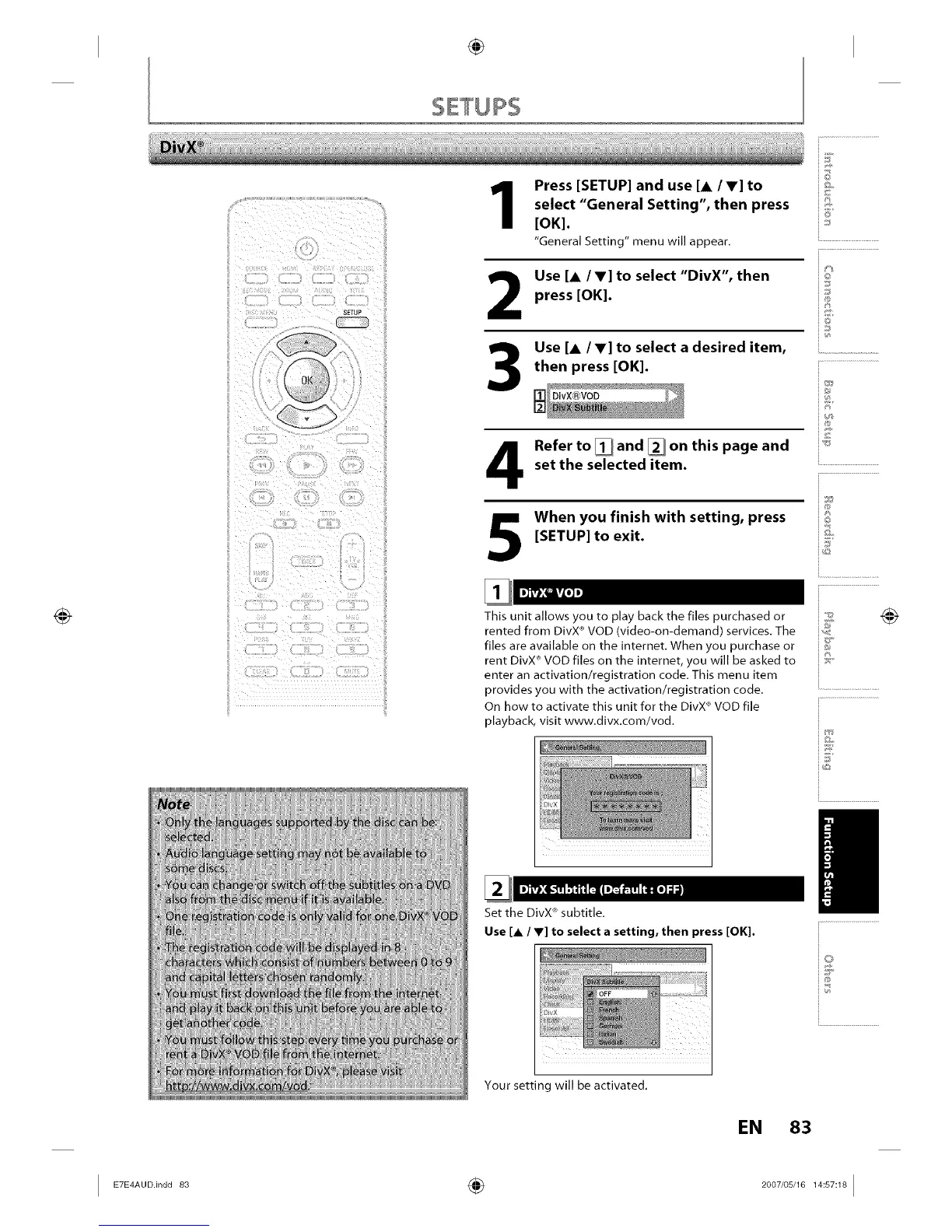
Press [SETUP] and use [A /V] to
select "General Setting", then press
[OK].
"General Setting" menu will appear.
2
3
Use [& /V] to select "DivX", then
press [OK].
Use [&/V] to select a desired item,
then press [OK].
Refer to[]and []on this page and
set the selected item.
When you finish with setting, press
[SETUP] to exit.
This unit allows you to play back the files purchased or
rented from DivX ®VOD (video-on-demand) services. The
files are available on the internet. When you purchase or
rent DivX _'VOD files on the internet, you will be asked to
enter an activation/registration code. This menu item
provides you with the activation/registration code.
On how to activate this unit for the DivX _'VOD file
playback, visit www.divx.com/vod.
Set the DivX +'subtitle.
Use [A / V] to select a setting, then press [OK].
i©
6'
io
iJ
i®
i®
i©
ij
Your setting will be activated.
EN 83














 To Next Page