You will need to finalize DVD+R, DVD-RW or DVD-R to
play them back on other DVD players.
Finalizing may take several minutes up to an hour.
A shorter recording period on the disc will require a
longer time period for finalization. Do not unplug the
power cord during finalization.
STOP
1
2
3
4
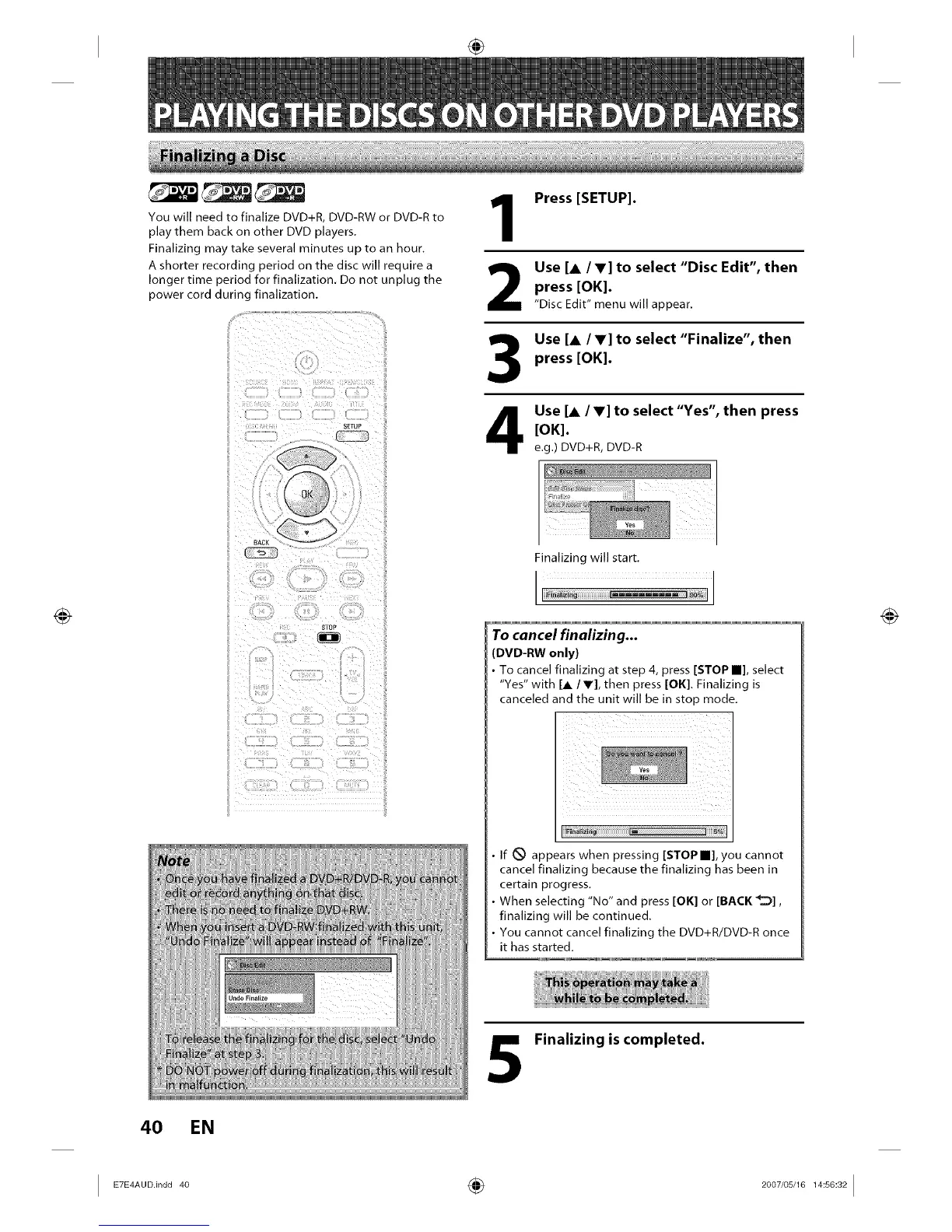
Press [SETUP].
Use [& IV] to select "Disc Edit", then
press [OK].
"Disc Edit" menu will appear.
Use [A /V] to select "Finalize", then
press [OK].
Use [A /V] to select "Yes", then press
[OK].
e.g.) DVD+R, DVD-R
Finalizing will start.
J
To cancel finalizing...
DVD-RW only)
To cancel finalizing at step 4, press [STOP m], select
"Yes" with [j,/V], then press [OK]. Finalizing is
canceled and the unit will be in stop mode.
If _ appears when pressing [STOP III], you cannot
cancel finalizing because the finalizing has been in
certain progress.
When selecting "No" and press [OK] or [BACK _],
finalizing will be continued.
You cannot cancel finalizing the DVD+R/DVD-R once
it has started.
Finalizing is completed.
4O EN
I ETE A°°in°°4° ÷ I














 To Next Page