You can select the format of audio and video as you prefer depending on the contents of the disc you are playing back.
DVDIvideo may have subtitles in 1 or more languages.
Available subtitle languages can be found on the disc
case. You can switch subtitle languages anytime during
playback.
1)During playback, press [INFO].
2) Use [_1 / I_] to select/like, then press [OK] within 1
second or wait for 1 second to display the selection
menu.
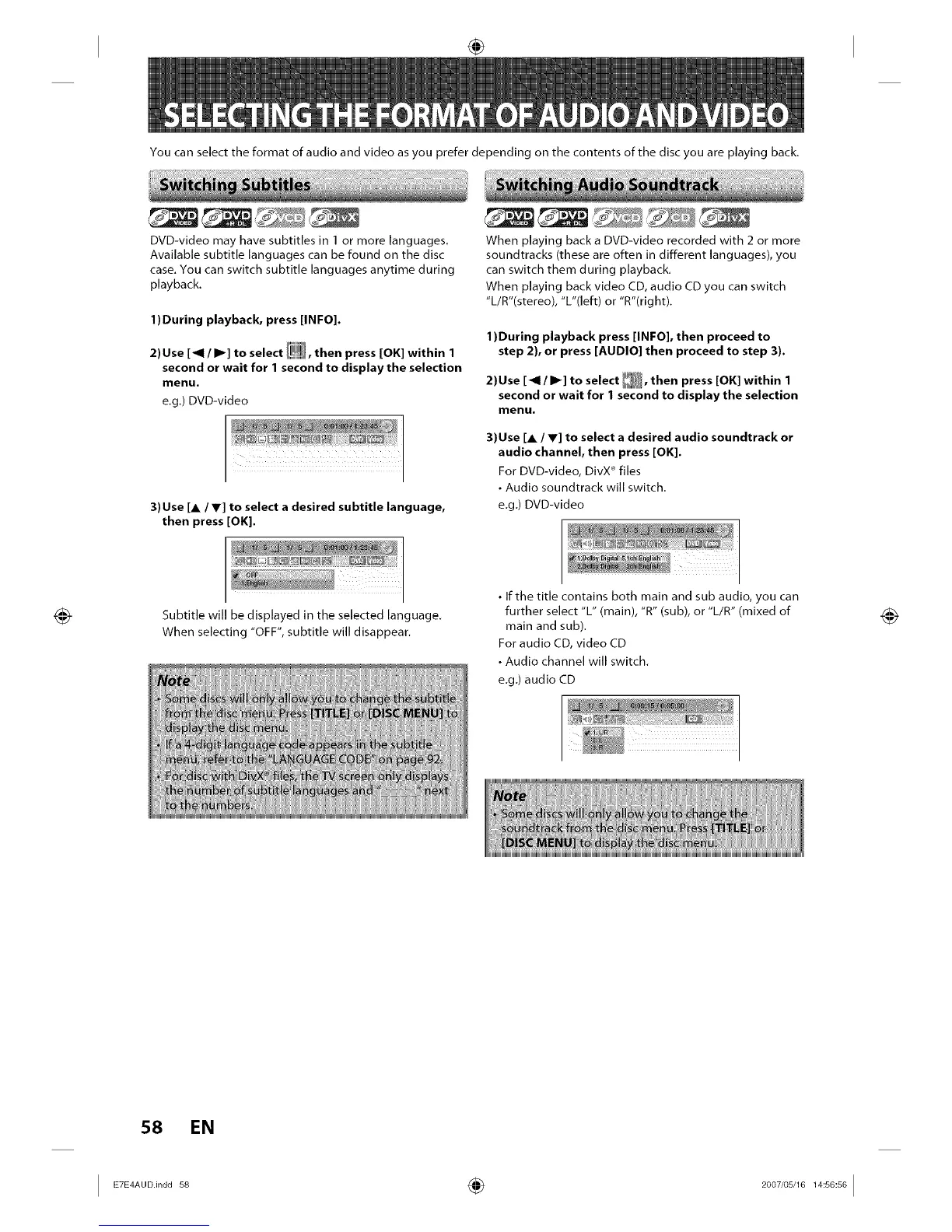
e.g.) DVD-video
3)Use [A/Y] to select a desired subtitle language,
then press [OK].
When playing back a DVD-video recorded with 2 or more
soundtracks (these are often in different languages), you
can switch them during playback.
When playing back video CD, audio CD you can switch
"L/R"(stereo), "L"(left) or "R"(right).
1)During playback press [INFO], then proceed to
step 2), or press [AUDIO] then proceed to step 3).
2)Use [_1 / I_] to select _, then press [OK] within 1
second or wait for 1 second to display the selection
menu.
3)Use [A / V] to select a desired audio soundtrack or
audio channel, then press [OK].
For DVD-video, DivX _ files
• Audio soundtrack will switch.
e.g.) DVD-video
Subtitle will be displayed in the selected language.
When selecting "OFF", subtitle will disappear.
• If the title contains both main and sub audio, you can
further select "L" (main), "R" (sub), or "L/R" (mixed of
main and sub).
For audio CD, video CD
• Audio channel will switch.
e.g.) audio CD
58 EN
I ETE A°°in°°s8 ÷ I














 To Next Page