EDITING DISCS
fi_;_z _< _'_ _k_;i_;_]_ ¸ i_
CZ]IIiCZ]] CZI]iiZIIIZ¸]ii
NEXT
1
2
3
4
5
Follow steps 1 to 3 in "Deleting
Titles" on page 61 to display "Edit"
menu.
Use [A /V] to select "Chapter Mark",
then press [OK].
Submenu will appear.
Use [PREV I_] / [NEXT _l] to select a
chapter mark to be deleted.
Use [A /V] to select "Delete", then
press [OK].
Use [A /V] to select "Yes", then press
[OK].
6
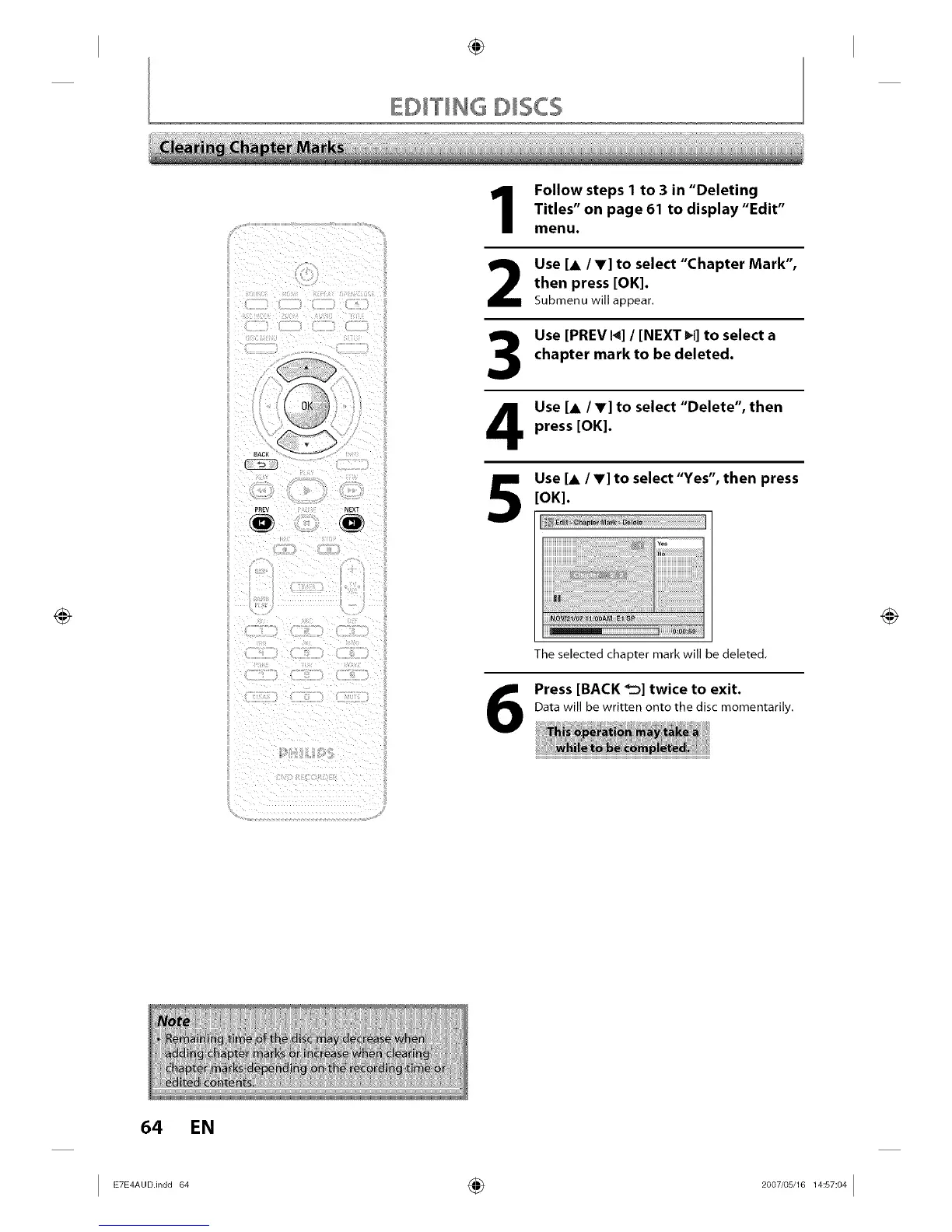
The selected chapter mark will be deleted,
Press [BACK _'_] twice to exit.
Data will be written onto the disc momentarily.
64 EN














 To Next Page