Working with Snapshots 47
TS and Webster
®
Customizing Headers and Footers in Windows
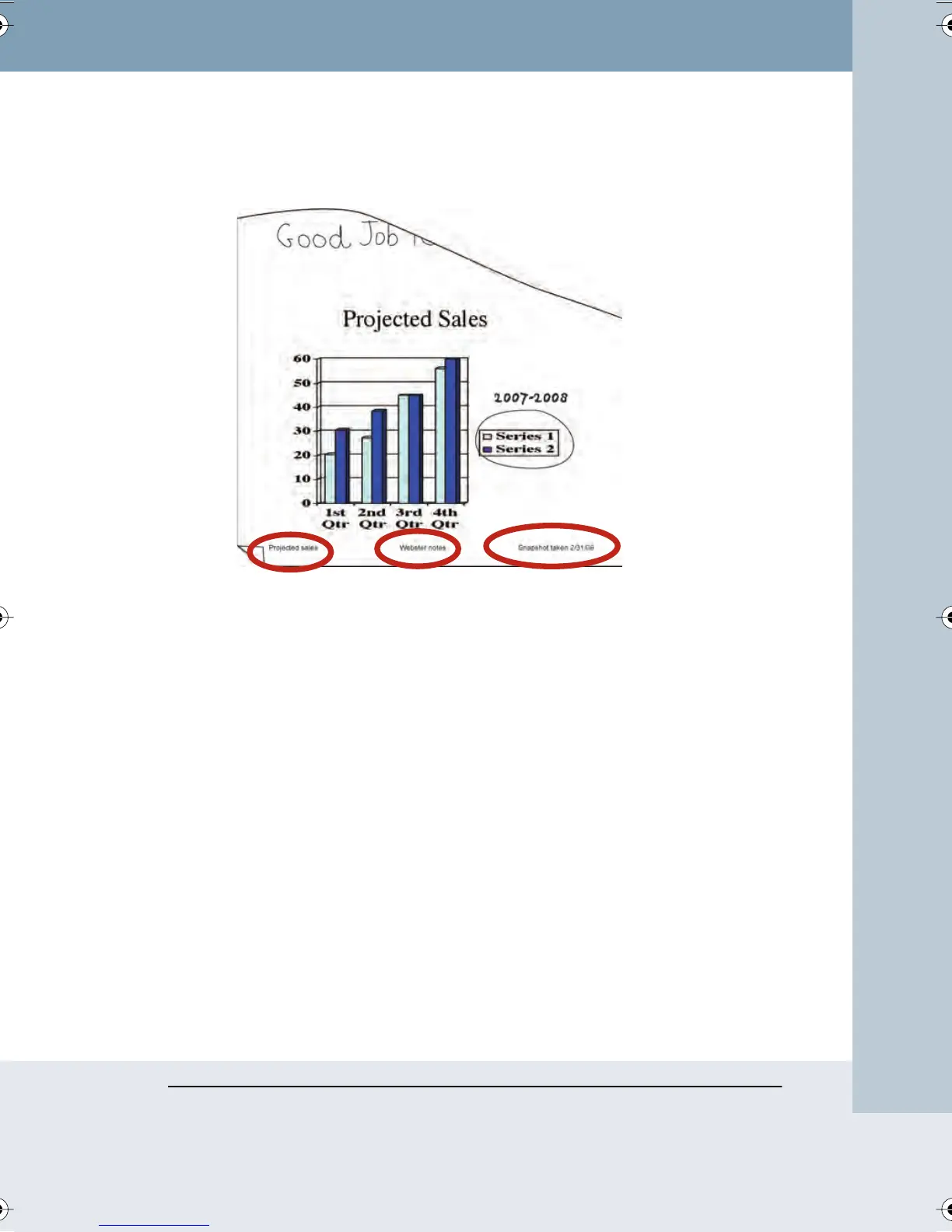
By default, snapshot printouts include the following footers:
• Webster file name
• Webster notes
• Date of snapshot
You can edit, delete, or format the header or footer by changing options in
the Print dialog.
To customize headers or footers in Windows:
1 Choose “Print” from the File menu.
2 Click in a header/footer field and clear the field.
3 To add or format a header/footer, click in a field and click
“Commands.” A list of commands appears. Add or change header or
footer information by selecting commands from the list.
Webster_draft2.book Page 47 Friday, November 3, 2006 2:24 PM



 To Next Page