50 Working with Snapshots
TS and Webster
®
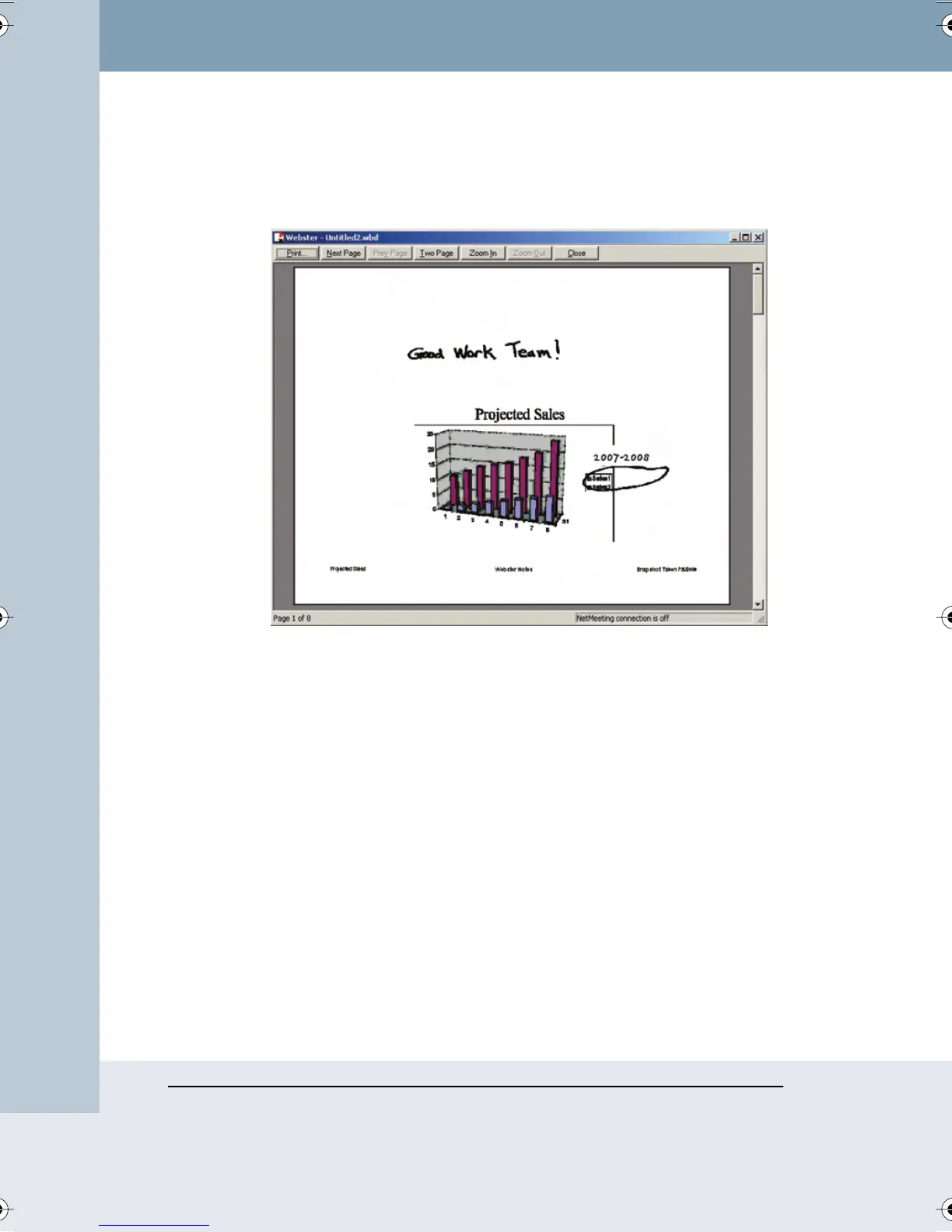
To preview the snapshot before it prints:
1 Choose “Print Preview” from the File menu. The following dialog
appears:
2 View each of your snapshots using the navigation buttons and scroll
bar.
3 Click “Print” to open the Print dialog, or click “Close” to close the
window and return to the main window.
Printing Resolution
The vector-based data that the software records are output at the
resolution of the output product, for example, 72 dpi for a typical monitor or
1200 dpi for a 1200 dpi printer. Because the data are independent of
resolution, the higher the resolution of the monitor or printer, the smoother
the output.
PRINTING SNAPSHOTS ON A MACINTOSH
You have the option to print at any time. For information about printing in
Windows, refer to “Printing Snapshots in Windows” on page 45.
Webster_draft2.book Page 50 Friday, November 3, 2006 2:24 PM



 To Next Page