32 Using Webster with a Projector
TS and Webster
®
USING THE SPOTLIGHT AND REVEAL TOOLS
In projection mode, Webster provides the spotlight and reveal tools that
enable you to focus attention on a portion of the projected screen.
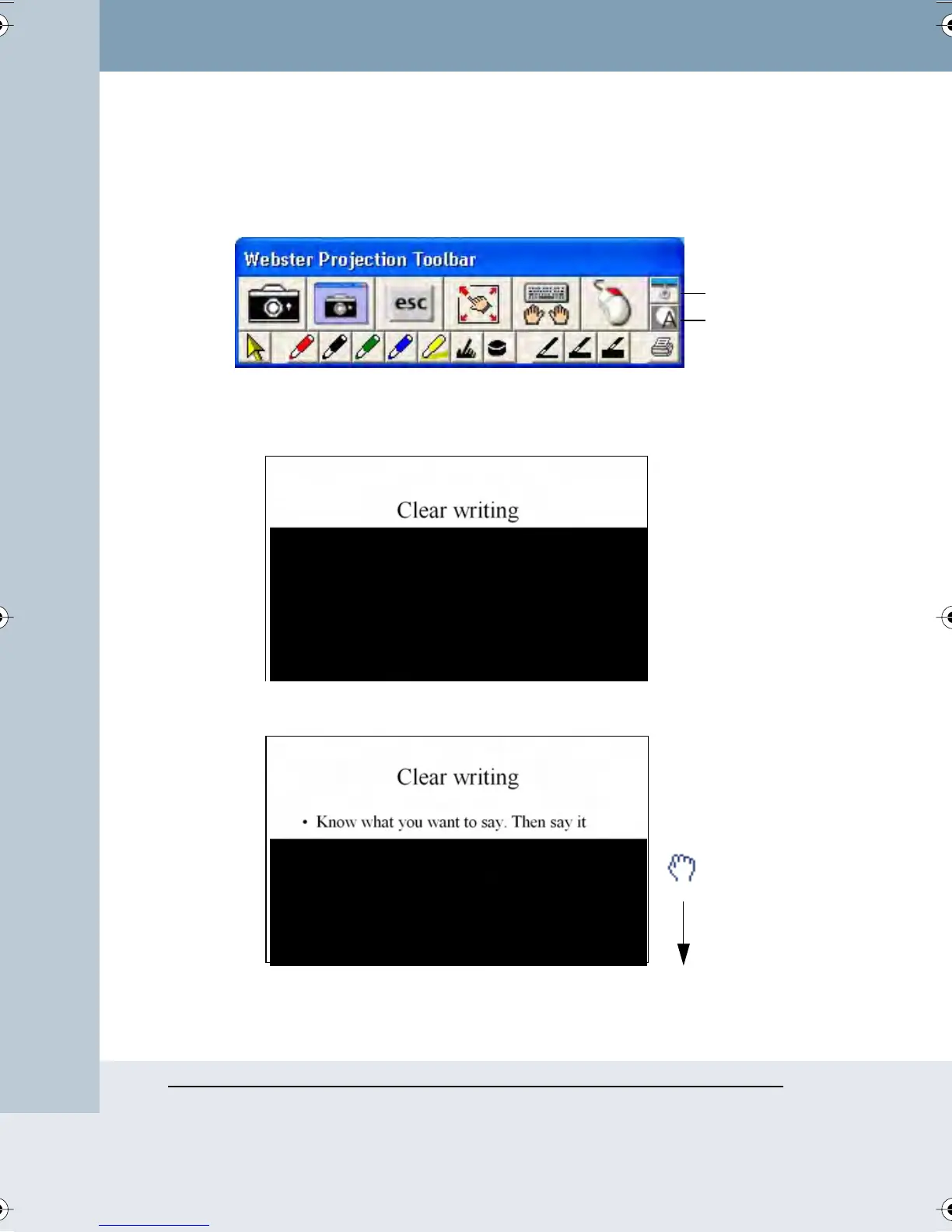
To reveal the projected screen one strip at a time:
1 Tap the Reveal button in the projection toolbar. The projected screen
becomes black except one strip at the top.
2 Drag the strip down to reveal more of the screen.
Reveal
Spotlight
Webster_draft2.book Page 32 Friday, November 3, 2006 2:24 PM



 To Next Page